Apollo Streaming Guide: Features, Setup & Apollo Group TV
Published October 29, 2026Updated October 29, 2026By Robert M.
Quick Answer:
Apollo streaming refers to the digital media delivery system offered through Apollo Group TV, providing high-definition live television channels, sports packages, and video-on-demand (VOD) content over an internet connection. Users can access the service using specialized IPTV applications across Amazon Firestick, Android TV, Smart TVs, and mobile devices. Proper setup requires a reliable internet connection of at least 25 Mbps and a compatible streaming application.
Editorial Trust & Review Methodology
Published / Updated: October 2026
Editorial Note: This guide reflects desk research, official platform documentation analysis, and standard networking protocols.
Disclaimer: Independent research was conducted using official software documentation and standardized IPTV player frameworks.
Table of Contents
Apollo Streaming Overview & Core Features
Apollo streaming delivers live television broadcasts and video-on-demand programming directly over high-speed internet connections. By utilizing modern streaming protocols, the service delivers content without requiring traditional satellite dishes or cable box hardware.
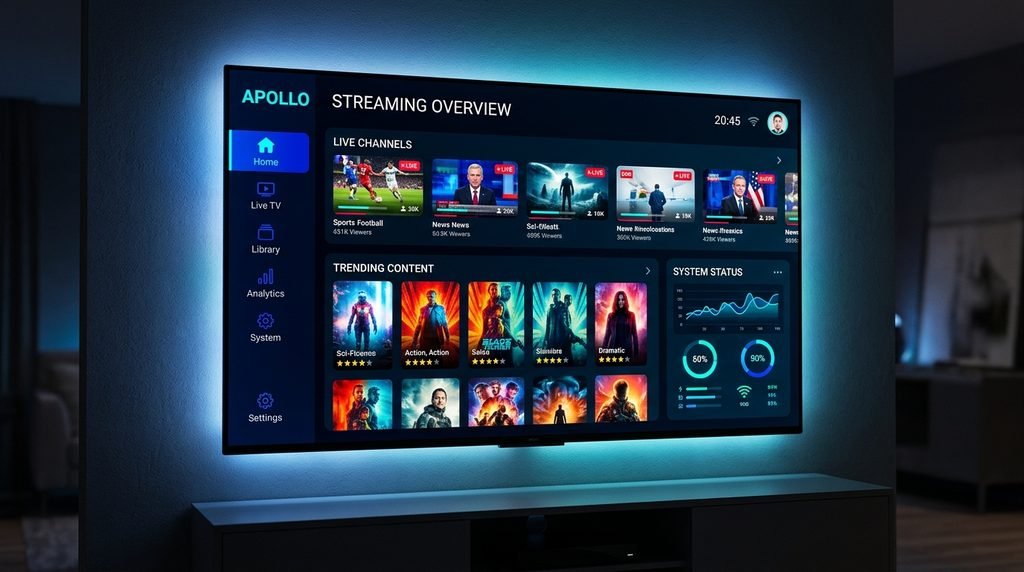
When evaluating apollo streaming, viewers gain access to a unified interface that aggregates live entertainment, news, regional sports networks, and movie collections. The system relies on optimized server infrastructure designed to minimize latency and maintain steady playback across varied screen sizes.
Integrating your subscription with Apollo Group TV allows you to leverage cross-device synchronization, ensuring your watch history and favorited channels remain accessible whether you are at home or on the go.
+-----------------------------------------------------------------------+
|                 APOLLO STREAMING ARCHITECTURE                         |
+-----------------------------------------------------------------------+
|                                                                       |
|  [ Content Servers ] ---> [ High-Speed Internet (25+ Mbps) ]          |
|                                         |                             |
|                                         v                             |
|                           [ Apollo Group TV Service ]                 |
|                                         |                             |
|        +--------------------------------+--------------------+        |
|        |                                |                    |        |
|        v                                v                    v        |
|  [ Firestick / Android ]         [ Smart TVs / Apple ]   [ Mobile / Web ]|
|                                                                       |
+-----------------------------------------------------------------------+
What Is Apollo Streaming?
Apollo streaming is a protocol-based IPTV solution engineered to broadcast live network feeds and digital VOD catalogs. The infrastructure delivers encrypted streams that standard media player software or dedicated proprietary applications decode in real time.
By delivering programming over internet protocol (IPN) networks, Apollo Group TV removes physical geographical limitations common to legacy cable operators. The system supports full high-definition (FHD) and standard definition (SD) streams optimized for variable network speeds.
Key Platform Features and Capabilities
Extensive Live Channel Selection: Access to local, national, and international channels covering news, entertainment, and live sports.
Video on Demand (VOD): A continuously updated library containing movies, television series, and specialized documentaries.
Electronic Program Guide (EPG): An interactive TV guide interface allowing users to view schedules and search upcoming broadcasts.
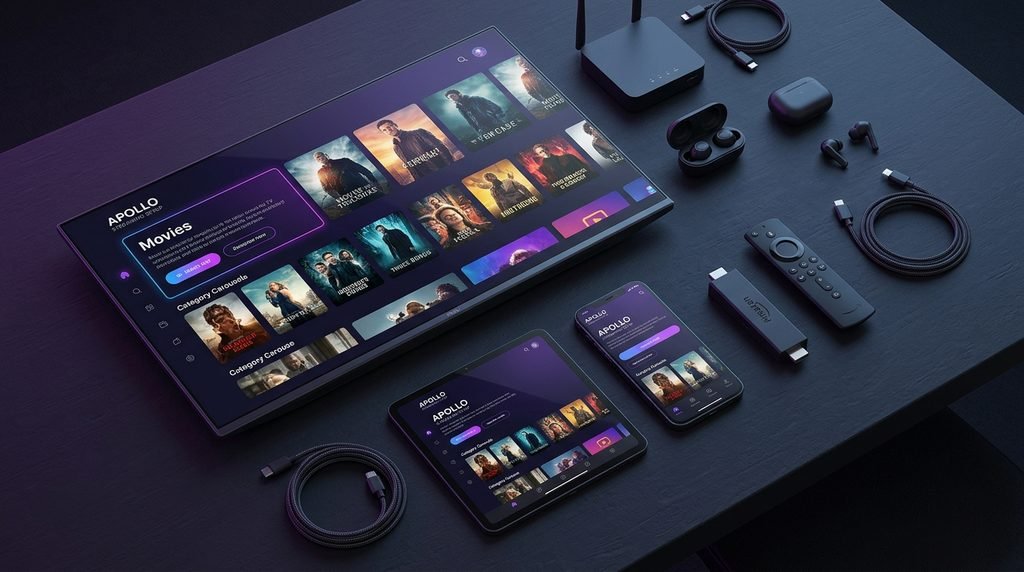
Multi-Device Compatibility: Native support for Fire OS, Android TV, iOS, Windows, and macOS playback tools.
Setting up apollo streaming requires selecting a compatible hardware device and installing an authorized media player or native APK file. Hardware requirements vary slightly depending on whether you operate an Amazon streaming stick, an Android box, or an iOS tablet.
+-----------------------------------------------------------------------+
|                 DEVICE SELECTION & DECISION TREE                      |
+-----------------------------------------------------------------------+
|                                                                       |
|  Which hardware device are you setting up?                            |
|                                                                       |
|  ├── Amazon Firestick / Fire TV                                       |
|  │   ├── 1. Enable "Apps from Unknown Sources" in Settings           |
|  │   ├── 2. Download "Downloader" app from Amazon Appstore            |
|  │   └── 3. Enter Official APK URL -> Install -> Log In               |
|  │                                                                    |
|  ├── Android TV / Google TV / Android Box                             |
|  │   ├── 1. Open Google Play Store -> Install IPTV Player / Downloader |
|  │   └── 2. Load Apollo Group TV server credentials                   |
|  │                                                                    |
|  └── iOS / Apple TV / macOS                                           |
|      ├── 1. Install recommended IPTV Player from Apple App Store       |
|      └── 2. Insert M3U Playlist or Xtream Codes credentials           |
|                                                                       |
+-----------------------------------------------------------------------+
Setting Up Apollo Group TV on Amazon Firestick
Navigate to Settings on your Firestick home screen and select My Fire TV.
Open Developer Options and turn on Apps from Unknown Sources.
Open the Amazon Appstore, search for the Downloader application, and install it.
Launch Downloader, enter the official application URL provided during registration, and click Go.
Once the download completes, click Install, open the application, and log in with your credentials.
Configuring Android TV and Mobile Devices
Android TV devices and mobile smartphones utilize similar installation pathways. You can download the native application directly or use third-party media players that support M3U playlists or Xtream Codes APIs.
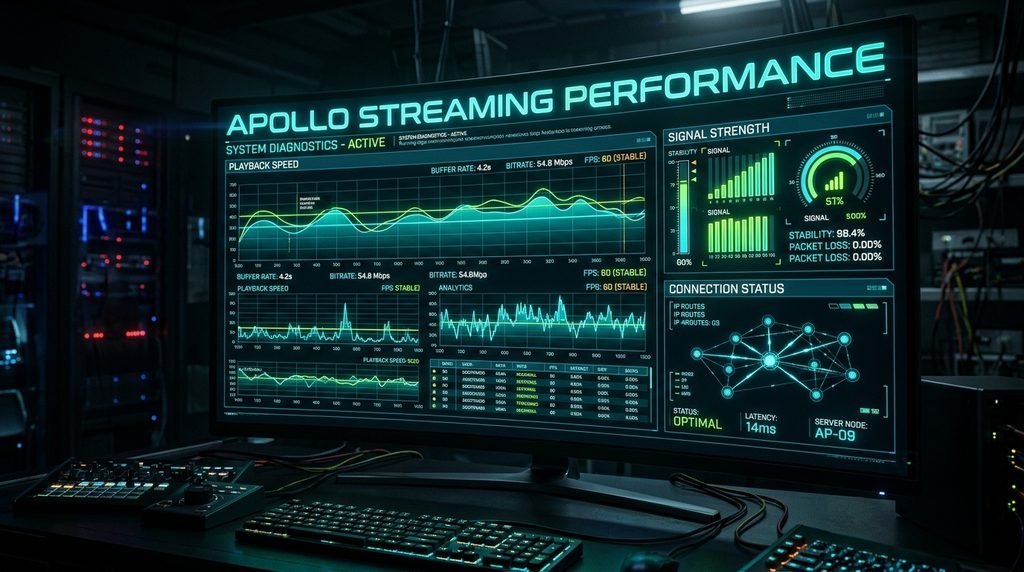
Achieving steady apollo streaming performance depends primarily on local connection stability, local hardware memory management, and proper router configuration. High-definition media streams require consistent network throughput to prevent frame dropping.
Buffering occurs when the local playback device consumes media packets faster than the network receives them. To maintain buffer-free playback on Apollo Group TV, ensure your internet connection supplies a dedicated download speed of at least 25 Mbps for HD streams and 50 Mbps for 4K content.
Connecting streaming hardware via an Ethernet adapter rather than Wi-Fi significantly reduces packet loss and signal interference caused by neighboring wireless networks.
Resolving Common Connection Issues
App Freezing or Crashing: Force stop the application in device settings and clear the application cache.
Authentication Errors: Verify username and password spelling; ensure no extra spaces are pasted into credential fields.
Blank EPG (Program Guide): Open app settings, clear EPG data, and select “Refresh EPG” to force a calendar pull.
Audio/Video Desync: Change the default internal video player framework (e.g., switch from ExoPlayer to System/VLC player) within the settings menu.
Plans, Pricing, and Inclusions
Selecting a service tier requires evaluating how many simultaneous connection slots your household requires across different devices.
+-----------------------------------------------------------------------+
|                 APOLLO GROUP TV PLAN COMPARISON                       |
+-----------------------------------------------------------------------+
|  Plan Duration   | Connections Allowed | Live Channels | VOD Included |
+------------------+---------------------+---------------+--------------+
|  1 Month Plan    | Up to 5 Connections | Full Lineup   | Yes          |
|  3 Month Plan    | Up to 5 Connections | Full Lineup   | Yes          |
|  6 Month Plan    | Up to 5 Connections | Full Lineup   | Yes          |
|  12 Month Plan   | Up to 5 Connections | Full Lineup   | Yes          |
+-----------------------------------------------------------------------+
Official Apollo Group TV Plan Structures
Standard subscriptions offer access to the full live channel selection, VOD library, and EPG integration. Multi-connection features allow family members to watch different streams simultaneously on separate devices under a single account.
Apollo streaming is a digital distribution service providing live TV channels, sports, and on-demand movies over an internet connection via Apollo Group TV.
Which devices support Apollo Group TV?
Apollo Group TV supports Amazon Firestick, Fire TV, Android TV boxes, Google TV, iOS devices, Apple TV, Android mobile devices, and Windows/macOS computers.
What internet speed is required for apollo streaming?
A minimum download speed of 25 Mbps is recommended for smooth HD playback, while 50 Mbps or higher ensures stable multi-device streaming.
How do I fix buffering on Apollo Group TV?
Clear the app cache, restart your router, switch from Wi-Fi to a wired Ethernet connection, or change the default video decoder in app settings.
Can I use my subscription on multiple devices simultaneously?
Yes, Apollo Group TV accounts allow up to 5 simultaneous streams across supported household devices.