Published October 28, 2026Updated October 28, 2026By Robert M.
Quick Answer
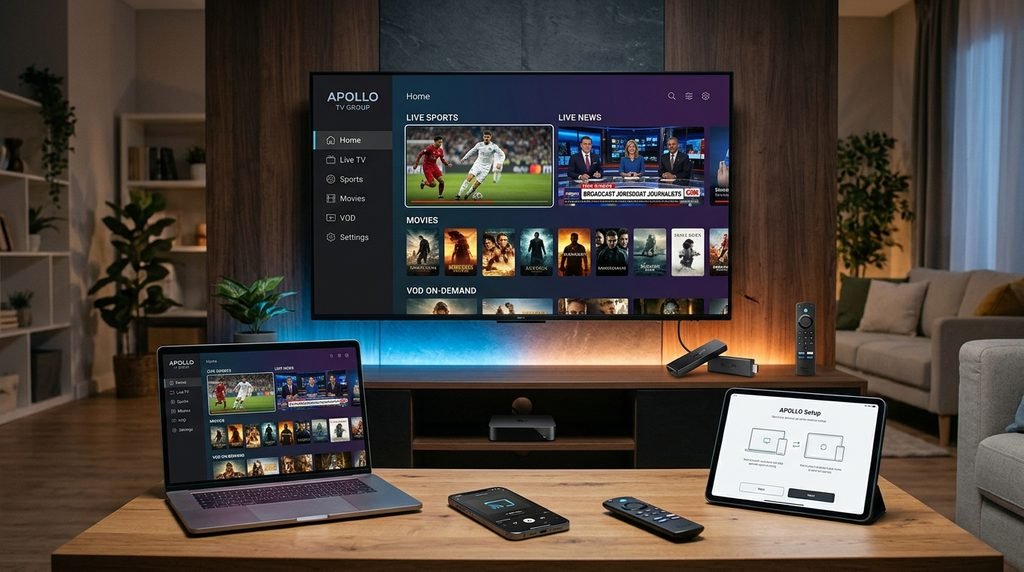
The Apollo Television Group (commonly searched as Apollo Group TV) is a premier digital IPTV service offering live television, sports, news, and video-on-demand content directly to streaming devices. To ensure secure account management, correct app downloads, and official service access, users should connect directly through Apollo Group TV. The service supports multi-device streaming on Amazon Firestick, Android TV, iOS, and Smart TVs with instant activation options.
Table of Contents
1. Apollo Television Group Overview & Quick Access
Understanding how the Apollo Television Group delivers live programming and on-demand titles requires examining its server infrastructure, application compatibility, and account access protocols. Apollo Group TV operates as a centralized streaming solution designed to eliminate traditional cable hardware while delivering HD and 4K broadcasts.
                 +-----------------------------------------+
                 |    Official Domain: apologrouptv.us     |
                 +--------------------+--------------------+
                                      |
              +-----------------------+-----------------------+
              |                                               |
  +-----------v-----------+                       +-----------v-----------+
  |  Account Management   |                       | Application Streaming |
  |  - Plan Selection     |                       | - Startup Show App    |
  |  - Subscription Renewal|                       | - IPTV Smarters Pro   |
  |  - EPG Refresh         |                       | - Web Player          |
  +-----------------------+                       +-----------------------+
1.1 Official Web Portal & Verification
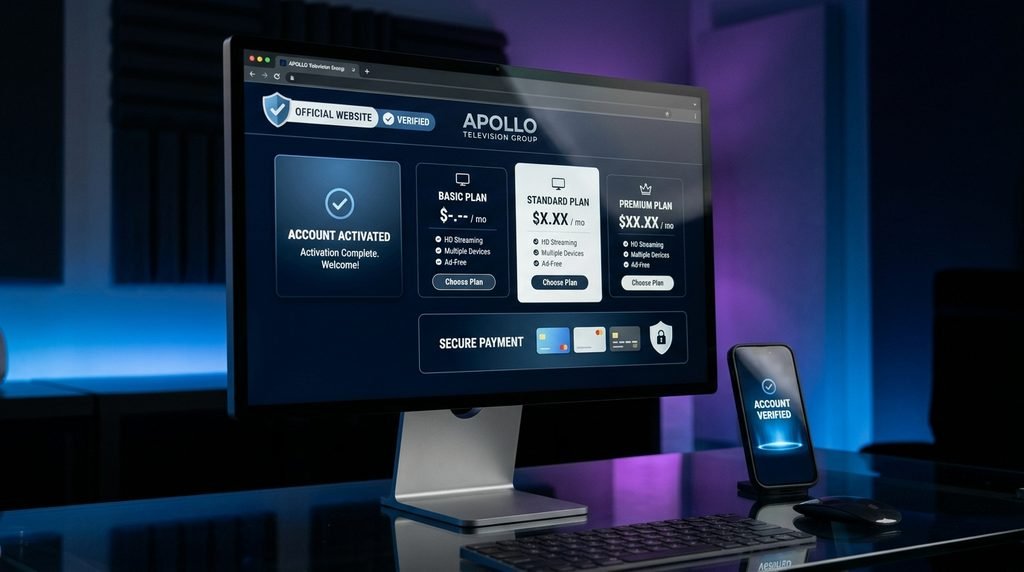
Navigating digital streaming environments requires verifying official domains to prevent security issues or fraudulent lookalikes. The official website for Apollo Television Group services is apologrouptv.us. Subscribers managing their Apollo Group TV subscription or updating billing information should verify that their browser bar displays the authentic domain before entering credentials.
Security Note: Lookalike domain names (such as .cc, .tv, or .org variations) operate as independent platforms or third-party resellers. For authentic support and account management, always navigate to apologrouptv.us.
1.2 Core Streaming Features
The Apollo Television Group platform incorporates modern digital video broadcasting features:
Simultaneous Streams: Multi-device access allowing connections across 1 to 5 devices depending on account configuration.
Electronic Program Guide (EPG): Real-time digital channel schedules integrated into the application interface.
Catch-Up & VOD: Replay select broadcasts and stream an expansive library of on-demand movies and television series.
Anti-Freeze Protocols: Load-balanced server infrastructure engineered to minimize buffering during high-traffic sporting events.
2. Subscription Plans & Pricing Structure
Choosing the appropriate package with the Apollo Television Group depends on duration preference and device requirements. Apollo Group TV offers flexible subscription tiers designed to fit short-term testing or long-term cord-cutting goals.
2.1 Comparing Subscription Tiers
Review official options on our Apollo Group TV Pricing page. Below is a structured comparison of standard plan tiers available through the official portal:
Subscription Duration
Simultaneous Connections
Video Quality Support
EPG & VOD Included
Primary Recommended Use Case
3 Months
Up to 5 Devices
HD / Full HD / 4K
Yes
Short-term trial or seasonal sports coverage
6 Months
Up to 5 Devices
HD / Full HD / 4K
Yes
Mid-term household streaming balance
12 Months
Up to 5 Devices
HD / Full HD / 4K
Yes
Maximum value for full cord-cutting households
2.2 Payment Methods & Account Delivery
Upon selecting a tier via the Apollo Group TV Subscription portal, payments are processed through secure digital gateways. Account delivery typically occurs within 5 to 15 minutes via email. Credentials include:
An M3U Playlist URL or API Login.
Application login details (Username / Password).
Portal URLs required for third-party player configurations.
3. Supported Devices & Application Setup
Deploying Apollo Group TV across your household media centers involves installing dedicated player software compatible with your hardware platform.
                         [ Device Hardware ]
                                  |
         +------------------------+------------------------+
         |                                                 |
  [ Amazon Firestick / Android ]                    [ iOS / Apple TV / Smart TV ]
         |                                                 |
  Enable Downloader App                             Download Startup Show / M3U Player
         |                                                 |
  Enter Direct APK URL                              Input Portal URL & Credentials
         |                                                 |
         +------------------------+------------------------+
                                  |
                     [ Active Apollo Stream ]
3.1 Setting Up Apollo Group TV on Firestick & Android
Amazon Fire TV Stick and Android TV boxes represent the most popular streaming hardware for the Apollo Television Group platform. Follow these installation steps:
Enable App Sideloading: Navigate to Settings > My Fire TV > Developer Options, and enable Install Unknown Apps for the Downloader application.
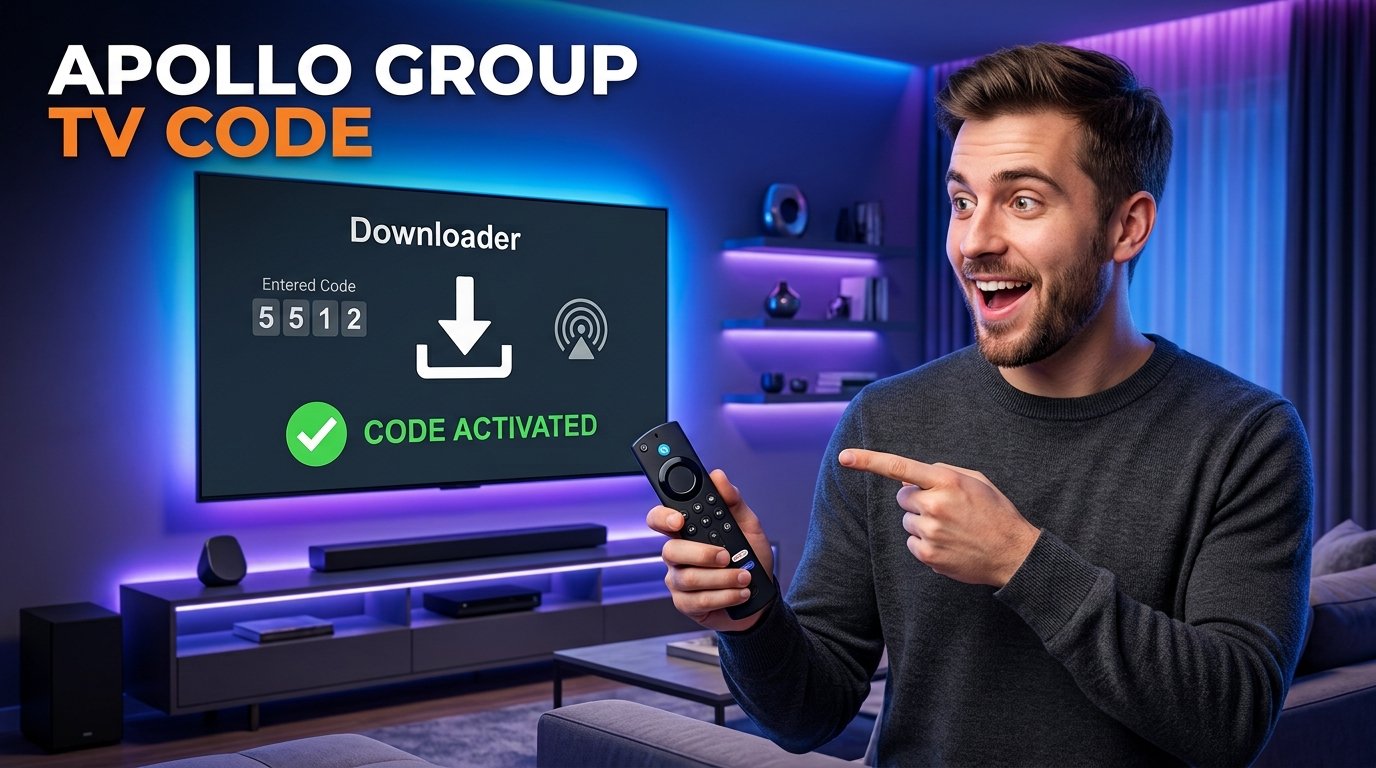
Launch Downloader: Open Downloader and enter the official APK download code provided in your welcome email from apologrouptv.us.
Install & Authenticate: Install the application file, launch the app, and enter your Apollo Group TV credentials.
3.2 iOS, Smart TV, and Desktop Playback
For Apple devices (iPhone, iPad, Apple TV) and Smart TVs running webOS or Tizen:
iOS & Apple TV: Download the recommended compatible media player (such as Startup Show or IPTV Smarters Pro) from the official App Store.
Smart TVs: Install supported player applications from the TV’s native application store and configure the M3U/Xtream Codes API details supplied in your subscription confirmation.
PC & Mac: Stream directly via supported web portals or desktop media players like VLC and XCIPTV.
4. Channel Lineup & On-Demand Library
The Apollo Television Group provides an extensive selection of digital broadcasts spanning international, regional, and specialized genres.
4.1 Live Sports & Regional Networks
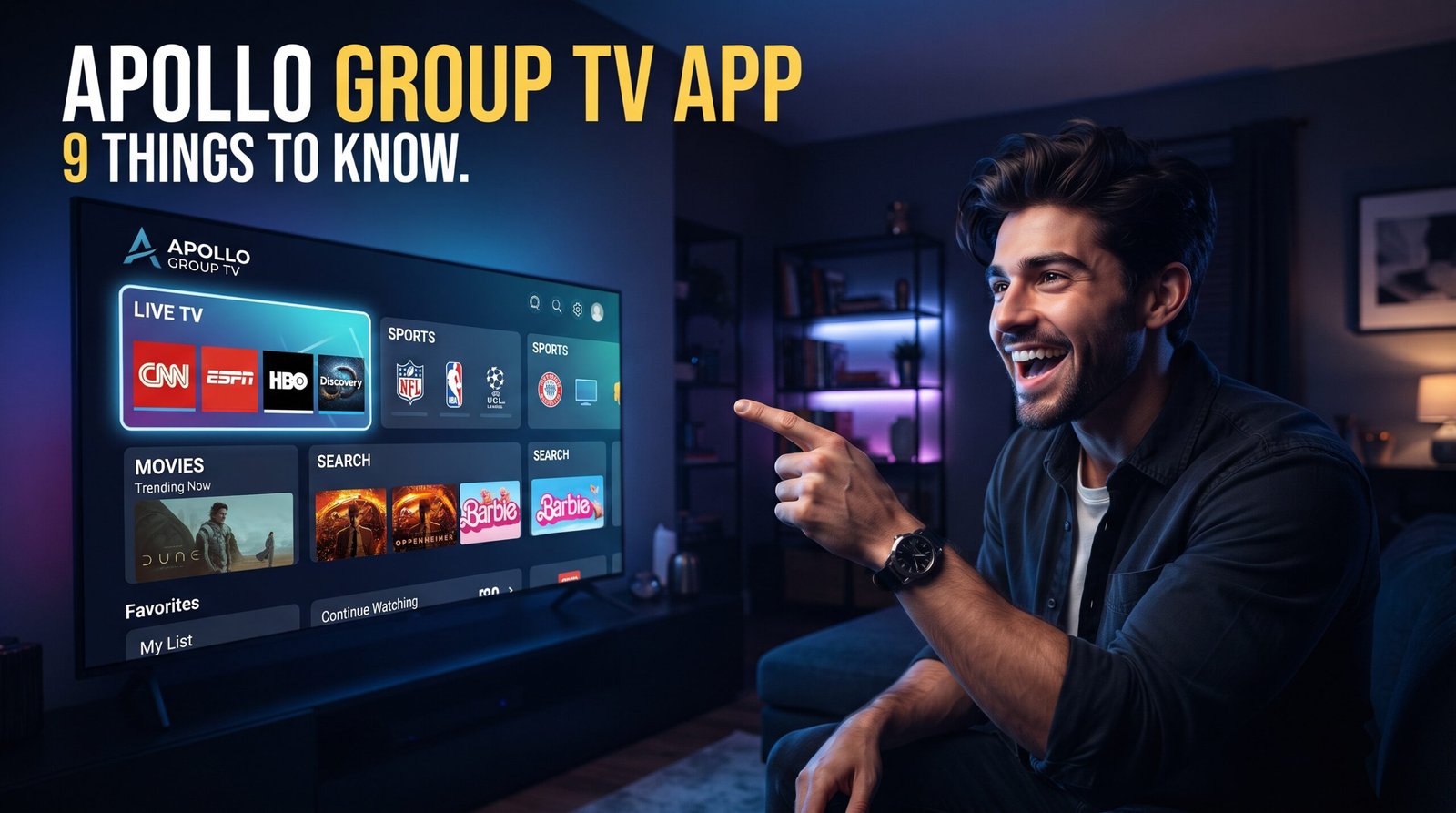
Subscribers accessing Apollo Group TV gain live coverage across major sporting leagues including NFL, NBA, MLB, NHL, European soccer, and pay-per-view combat events. Viewers can inspect category details on our dedicated Apollo Group TV Channel List page.
4.2 Video-on-Demand (VOD) Features
In addition to live feeds, the service provides an extensive VOD catalog containing thousands of movies and updated television series.
Subtitles & Audio: Multi-language subtitle tracks and primary audio selection where available.
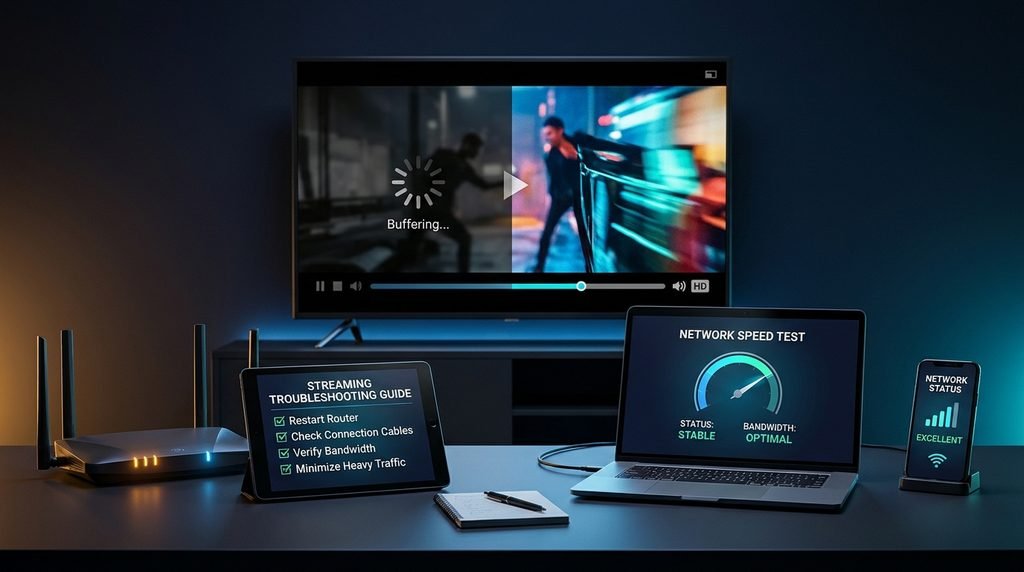
Optimal streaming with the Apollo Television Group depends heavily on local network bandwidth, router configuration, and device memory management.
                      [ Stream Issue Occurs ]
                                 |
                     Is Internet Speed > 30 Mbps?
                     /                         \
                   NO                           YES
                   /                             \
     Connect Ethernet Cable              Is VPN Active?
     or Upgrade Connection              /              \
                                      YES              NO
                                      /                 \
                          Test Different Server    Clear App Cache &
                           or Toggle VPN off       Restart Hardware
5.1 Bandwidth & Stability Criteria
To maintain uninterrupted playback across Apollo Group TV feeds, maintain the following internet connection parameters:
Standard Definition (SD): Minimum 5 Mbps per stream.
High Definition (720p/1080p): Minimum 15–20 Mbps per stream.
4K Ultra HD: Minimum 30–35 Mbps dedicated bandwidth per active screen.
5.2 Step-by-Step Playback Troubleshooting
If buffering or connection errors occur while using Apollo Group TV, follow this structured diagnostic sequence:
Clear App Cache: Open your streaming device’s application settings, select the Apollo application, and clear the temporary cache data.
Reboot Network Hardware: Unplug your modem and Wi-Fi router for 30 seconds to refresh DNS routing tables.
Inspect Active Connections: Ensure your household is not exceeding the simultaneous device limit permitted by your account.
Evaluate VPN Routing: If your ISP throttles streaming media traffic, enable a secure VPN connected to a nearby server location.
6. Trust, Editorial Methodology & Service Terms
Editorial & Transparency Notice:
Byline: Apollo Group TV Editorial Team
Last Updated: May 2026
Methodology: This guide compiles technical documentation, network requirement specifications, and official account setup procedures for Apollo Group TV services accessible via apologrouptv.us. Information presented is based on desk research, published software specs, and standard IPTV streaming troubleshooting protocols.
Legal Disclaimer: Users are responsible for complying with local digital content laws and service agreements. Apollo Group TV encourages lawful use of streaming protocols on compatible consumer hardware.
7. Frequently Asked Questions (FAQ)
What is the Apollo Television Group?
The Apollo Television Group refers to the streaming brand Apollo Group TV, which provides live television channels, sports broadcasts, and on-demand entertainment over internet protocols.
What is the official website for Apollo Group TV?
The official website for account subscription, setup guides, and customer support is apologrouptv.us.
Which devices work with Apollo Group TV?
Apollo Group TV supports Amazon Firestick, Android TV boxes, Smart TVs, iOS, Apple TV, Windows PCs, Mac computers, and MAG boxes.
How many devices can stream at the same time?
Depending on your account tier, Apollo Group TV allows up to 5 simultaneous streams under a single subscription.
What speed does my internet connection need to be?
We recommend at least 20 Mbps for HD streaming and 35 Mbps or higher for uninterrupted 4K content playback.
How long does account activation take after signup?
Account credentials for Apollo Group TV are delivered via email within 5 to 15 minutes after order processing.
8. Next Steps & Resources
Ready to setup your service or review available channel lineups? Take the next step based on your current need: