Apollo Group TV Customer Service Number: 7 Smart Tips
Published October 11, 2026Updated October 11, 2026By Robert M.
Searching for the apollo group tv customer service number usually means something has already gone wrong or you need a clear answer before making a decision. Maybe an application will not install, a login has stopped working, a subscription appears expired, a payment has not been matched with an account, one channel is missing, or live television keeps buffering. The problem is that a search for support can also show old contact details, unrelated websites, reseller pages, and other sources using similar names. That makes the first decision just as important as the technical problem itself: make sure you are contacting the support route connected with the website or seller you actually used.
For visitors using this website, the support option provided is Apollo Group TV WhatsApp support. Messaging can be useful because streaming problems are often visual. You can send a screenshot of an error, identify your device, keep troubleshooting instructions visible while working on the television, and return to the same conversation if the problem needs several steps. This guide explains how to use the apollo group tv customer service number safely, how to decide whether you really need support, what information to prepare, and how to separate account problems from device or internet problems. The apollo group tv customer service number is most useful when the issue has already been narrowed down.
Table of Contents
Where Should You Contact Apollo Group TV Customer Service?
The phrase apollo group tv customer service number sounds as though there should be one universal telephone number that handles every Apollo-related subscription found online. The source material does not support that assumption. Different sellers or websites can use similar Apollo-related names, while account details, activation records, renewal information, and credentials are normally tied to the source through which the subscription was purchased. For visitors using this website, the provided direct contact route is WhatsApp. The safest starting point is therefore the contact information connected with the same website or seller you already know.
This matters because an unrelated apollo group tv customer service number may have no access to your account. Even if somebody can give generic streaming advice, they may not be able to check whether your plan is active, whether a payment was received, whether your credentials are correct, or when your subscription expires. Contacting the wrong source can waste time and can also tempt users to share account or payment details with someone who was never involved in the purchase. Using the correct apollo group tv customer service number keeps the request connected with the subscription source you actually know. Before sending private information, confirm that the support route matches the service source you used.
Start With the Problem, Not With the Support Number
Before contacting the apollo group tv customer service number, identify what is actually failing. “Apollo is not working” is too broad because it could describe an internet problem, an application crash, expired access, a rejected login, a single unavailable channel, or a payment that has not been confirmed. A clearer description gives support a useful starting point and reduces the number of questions needed before troubleshooting can begin. Note what you were trying to do, what happened instead, whether the service worked previously, and the exact wording of any error displayed on the screen.
What you see
What it may relate to
Useful first check
App will not install
Device compatibility, storage, permissions, or wrong installation method
Use the instructions for your exact device platform
Login is rejected
Credentials, extra spaces, wrong login type, or account status
Re-enter the information carefully and check whether it worked before
Everything buffers
Internet, Wi-Fi, device, application, or broader stream problem
Test another streaming app and restart the router and device
One channel fails
An individual stream or content-specific issue
Test several other channels before reporting a full outage
Subscription seems inactive
Expiration, activation, or account issue
Check the plan duration and purchase timing
Payment made, no access
Transaction confirmation or account matching
Keep proof of payment and contact the support route used for the purchase
This kind of triage makes the apollo group tv customer service number more useful because it separates symptoms that look similar on the television. If another streaming application is also slow on the same Firestick, your internet connection becomes relevant. If most Apollo channels work and only one does not, reporting the exact channel is more useful than saying the entire service is down. If the application opens and the login works but content does not load, that points in a different direction from an installation that never completed.
Installation, Login, and Streaming Problems: When Support Helps Most
Technical problems are one of the clearest reasons people look for the apollo group tv customer service number. The useful response, however, depends heavily on the device. Fire TV, Android TV, Google TV, Samsung Smart TV, LG Smart TV, smartphones, tablets, and computers do not all use the same installation route. Applying instructions written for one platform to another can turn a simple problem into a more confusing one. Before contacting the apollo group tv customer service number about setup, review the Apollo Group TV installation guide, choose the instructions that match your device, and note the exact step where the process stops.
Installation Help Is Better When You Name the Device
An installation request should include the device brand or type, model when known, operating system if you know it, and the application or installation method being used. The source material identifies common setup problems such as incompatible applications, insufficient storage, incorrect permissions, outdated software, and following instructions meant for another platform. Giving that information to the person handling the apollo group tv customer service number is much more useful than simply saying that an APK or app “doesn’t work.” It gives support a chance to focus on the part of the setup that actually applies.
Restart before you uninstall. Users sometimes delete the application immediately when a stream freezes or a login fails, but uninstalling can create another task because you may then need the installation file, credentials, and setup instructions again. A normal application restart and device restart are safer first checks. If those do not solve the problem, move to specific troubleshooting instead of changing random settings. This keeps the original setup intact while you determine whether the apollo group tv customer service number is actually needed. If the problem remains after those checks, the apollo group tv customer service number can then be used with much clearer information.
A Login Error Is Not Always a Forgotten Password
A rejected username or password is another common reason to search for the apollo group tv customer service number. Before contacting anyone, enter the credentials carefully again and make sure there are no accidental spaces before or after the username, password, or server information. Text copied from a message can sometimes contain extra characters. The source also warns that website account credentials and streaming application credentials may not always be the same, so using the wrong type of login can create repeated authentication errors even if the subscription itself is active.
If credentials that previously worked suddenly stop working and you have already rechecked them, then the apollo group tv customer service number becomes more relevant. Tell support whether the login worked before, approximately when it stopped, and whether the same problem appears on one device or every device you tested. Avoid repeatedly guessing passwords. If you genuinely cannot recover the correct information, use the support or recovery route connected with the subscription. Storing subscription credentials securely can also make future device changes or reinstallation much easier.
Buffering Needs a Few Checks Before You Call It an Account Problem
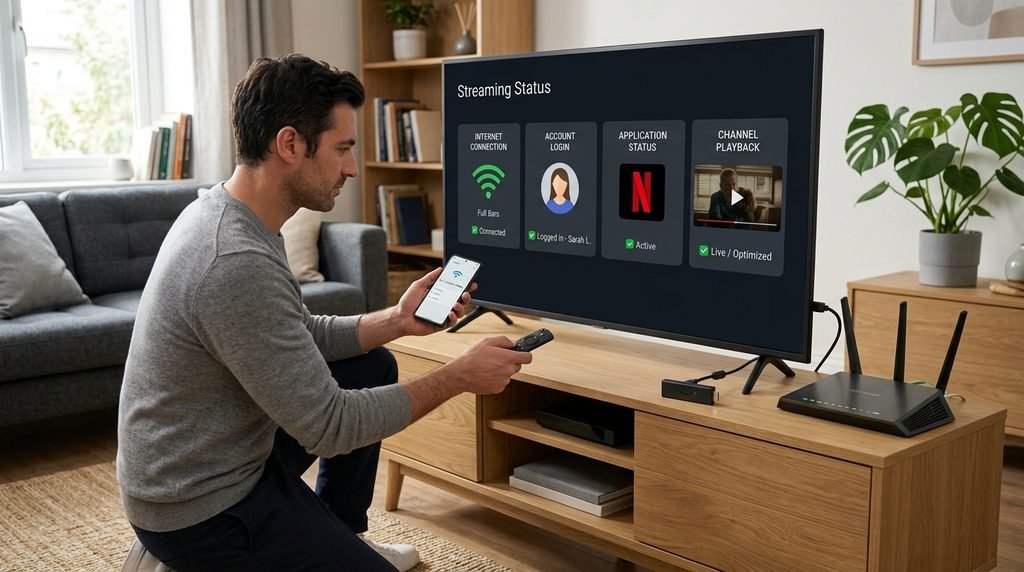
Buffering is frustrating, but it is not automatically proof that the account is broken. Before using the apollo group tv customer service number for a buffering complaint, test whether the issue affects one stream, several channels, or everything. Then open another streaming application on the same device. If other services are also slow, the internet connection or Wi-Fi becomes a stronger suspect. Restart the router, allow it to reconnect completely, restart the television or streaming device, and test again before changing more settings.
Wi-Fi distance, background downloads, several devices using the connection at once, and temporary congestion can all affect available bandwidth according to the source material. If the problem continues after the router and device have been restarted and several channels have been tested, contact the apollo group tv customer service number with those results. “All live channels still buffer after restarting the router and Firestick, while another app works normally” gives support a much better diagnostic picture than “buffering bad.”
Subscription, Pricing, and Payment Questions Need Different Information
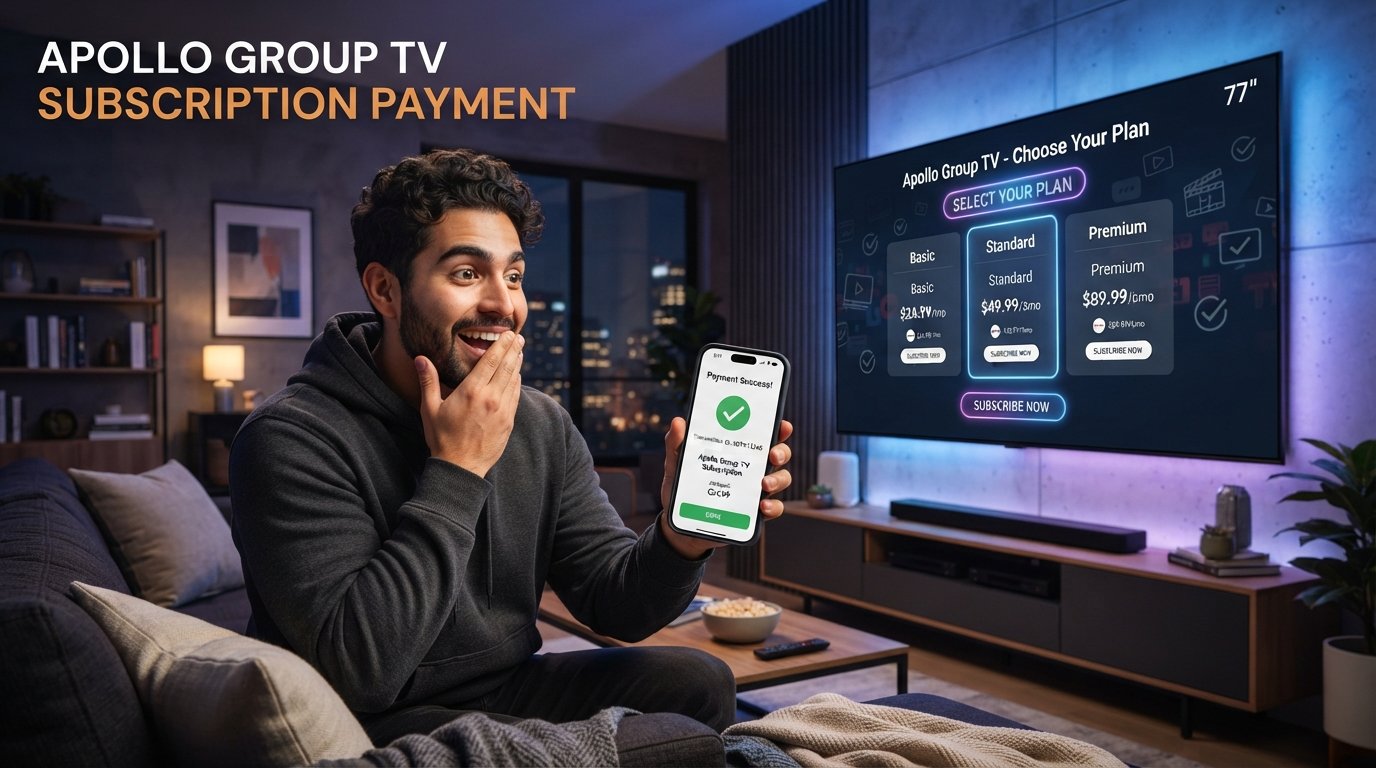
Not everyone looking for the apollo group tv customer service number has a technical problem. Some visitors are trying to understand plan durations, pricing, renewal, or payment before they buy. In that situation, begin with the published plan information rather than asking support to explain every option from the beginning. Review the current Apollo Group TV pricing options, compare the available subscription durations, and decide whether you prefer a shorter commitment or a longer plan. Then use support for the specific detail that is still unclear.
Check Whether the Subscription Simply Reached Its End
An expired subscription can sometimes look like a login or application problem, so checking the plan period before using the apollo group tv customer service number can prevent unnecessary technical troubleshooting. Before reinstalling software or resetting a device, check when the plan was purchased and how long the selected subscription was meant to last. If access should still be active, the apollo group tv customer service number can be used to investigate further. If the purchased period has ended, you can decide whether to renew without spending time troubleshooting a technical failure that may not exist.
If You Paid but Access Has Not Appeared, Do Not Pay Twice
Payment questions deserve extra care because they involve financial information. If you completed a payment but have not received the expected activation information, contact the same support route associated with the purchase and keep the transaction confirmation available. Do not send another payment simply because the first activation is delayed. The apollo group tv customer service number should be used first to check the original transaction and account status. A duplicate payment can create another issue while the first one is still being identified.
The same caution applies to unexpected renewal messages. If somebody contacts you and says payment is urgently required or gives you a new destination, verify the request through your established support route before sending money. A familiar name or logo in a message does not automatically prove that the sender manages your subscription. This is one of the reasons the apollo group tv customer service number should be treated as an account-specific support route rather than a random contact found through a search result.
Channel Questions Are Easier When You Name the Exact Content
Another reason people search for the apollo group tv customer service number is to ask whether a particular channel, sport, country, or entertainment category is available. Many broad questions can be narrowed down before using the apollo group tv customer service number by checking the Apollo Group TV channel list. Instead of asking “Do you have sports?” identify the league, network, country, or channel you actually want. If the published information does not answer the question, support can then respond to something specific.
If one channel does not load, do not immediately report that the entire service is unavailable. Test several others first. An individual stream can behave differently from the rest of the service, so the apollo group tv customer service number is more useful when you can say exactly which channels failed and which ones still work. That distinction can also prevent unnecessary troubleshooting of the internet connection, application, or account when the problem appears limited to one piece of content.
What Should You Put in the First Support Message?
A well-prepared first message can save a lot of back-and-forth when contacting the apollo group tv customer service number. Before contacting the apollo group tv customer service number, gather the details that explain the environment where the problem happens. The goal is not to send every piece of information you have. It is to provide the few facts that let support understand what works, what fails, when the issue started, and what you have already tested. That makes the conversation more efficient while keeping unnecessary personal data out of the chat.
Your device type and model when known.
The application you are using.
The exact error message or a clear screenshot if it helps.
Whether the service worked previously and when the problem started.
Whether the problem affects one channel, several channels, or all content.
Whether you restarted the device and router.
Whether you tested another application, device, or internet connection when relevant.
Subscription information reasonably needed to identify your account.
For example, a message such as “I am using a Firestick. The app opens and the login works, but all live channels started buffering today. I restarted the Firestick and router and tested several channels, but the issue remains” gives the apollo group tv customer service number support team far more useful information than “my Apollo doesn’t work.” The detailed version identifies the device, confirms the app opens, confirms the login works, describes the scope of the problem, gives a time reference, and lists troubleshooting already completed.
Why WhatsApp Can Be Practical for Streaming Support
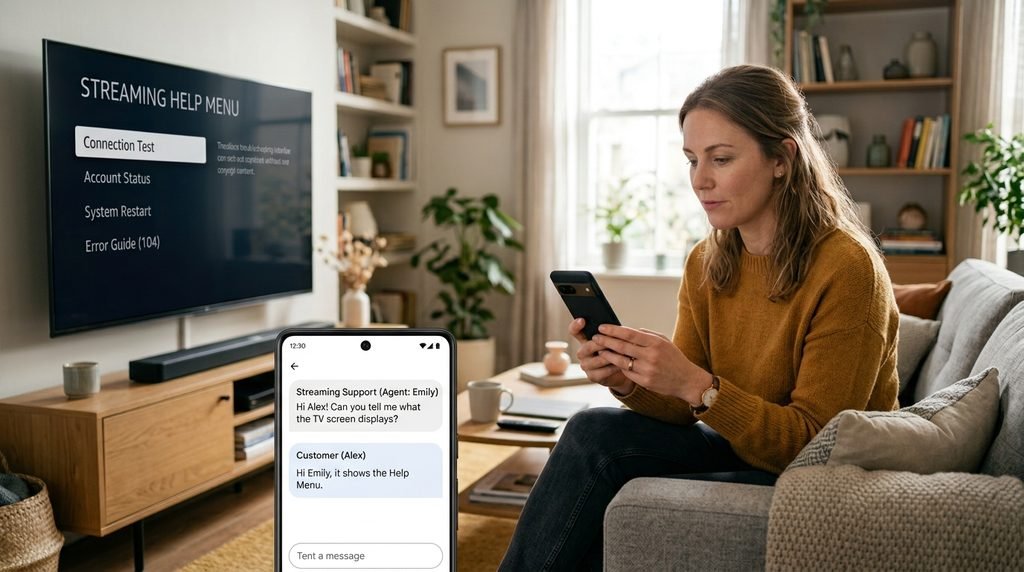
Although apollo group tv customer service number sounds like a request for a traditional telephone call, written messaging can be easier for technical troubleshooting. Screenshots can show an installation screen or exact error without forcing the user to describe every detail verbally. Written instructions also remain visible while you move between the phone and television. If account-specific help is required, visitors using this website can contact support through WhatsApp and keep the troubleshooting steps in the same conversation.
How to Avoid Fake or Unrelated Customer Service Contacts
Searching for the apollo group tv customer service number can lead to contacts that have no connection with your subscription. Some may simply belong to unrelated sellers or websites using similar names, while other pages may be outdated. The source material therefore recommends verifying that a contact is connected with the website or seller you already use before you share account information or discuss payment. A search result by itself does not prove that a support number manages your account, so the apollo group tv customer service number should always be verified against the source connected with your purchase.
Safer signal
Reason for caution
The contact appears on the same website or support route connected with your purchase
A number appears only in a random comment, forum post, or unrelated page
The conversation asks for relevant account or technical details
Someone asks for unrelated banking passwords, card PINs, or authentication codes
A payment change is independently confirmed through your known support route
An unexpected message creates urgency and supplies a new payment destination
A screenshot is limited to the error or transaction detail needed
A screenshot exposes full credentials, balances, unrelated payments, or private notifications
Troubleshooting focuses on your actual device and problem
Someone asks you to install unfamiliar remote-access software without a clear reason
Using the apollo group tv customer service number does not mean you should hand over every piece of information someone requests. Normal technical support should not require passwords for unrelated email accounts, bank logins, card PINs, or one-time security codes. Screenshots deserve the same caution. Review the image before sending it and crop out personal information that does not help explain the issue. Relevant information helps support; unrelated private information only increases risk.
What Can You Check Yourself Before Contacting Support?
Some issues can be investigated without the apollo group tv customer service number, especially when they are not billing or account-specific. Basic checks are useful because they may solve the problem immediately, and even when they do not, they give you better information to send to support. Start with the least disruptive steps and avoid deleting applications or changing security settings until there is a clear reason to do so.
Restart the streaming application.
Restart the television or streaming device.
Restart the internet router and allow it to reconnect completely.
Test several channels rather than one stream.
Open another internet or streaming service on the same device.
Recheck login information carefully and watch for accidental spaces.
Check whether the subscription period may have expired.
Review the installation instructions for the exact device platform you use.
If these checks do not solve the issue, the apollo group tv customer service number becomes more productive because you can report what has already been tested. Support no longer needs to begin with the most basic questions, and you avoid repeating actions that clearly did not work. The source material consistently emphasizes this approach: diagnose first, contact the correct support route second, and share only the information relevant to the problem.
Frequently Asked Questions About the Apollo Group TV Customer Service Number
What is the Apollo Group TV customer service number?
For visitors using this website, the provided support route is WhatsApp. The source does not establish that every Apollo-related seller or website uses one universal support number, so the safest approach is to use the contact information associated with the same source through which you obtained the subscription. An apollo group tv customer service number found on an unrelated page should not automatically be assumed to manage your account.
Can I contact Apollo Group TV through WhatsApp?
Yes, the source material provides WhatsApp as the support route for visitors using this website. Messaging is useful for technical support because you can send screenshots, identify your device, and keep written troubleshooting instructions visible while working through the problem. This can be more practical than trying to describe a television screen entirely through a voice call.
Can customer service help with installation?
Installation is a reasonable reason to contact the apollo group tv customer service number when the documented instructions do not solve the problem. First follow the installation guide that matches your device and note where the process fails. When contacting the apollo group tv customer service number, provide the device type, model when known, application, and exact installation step causing trouble so the support conversation can start with the correct platform.
Can customer service help with pricing or subscription questions?
Yes, the source says support can be used for account or subscription questions, but checking the current pricing page first makes the conversation more specific. Review the plan options, decide what you are considering, and then ask about the exact detail that remains unclear. This is more efficient than contacting the apollo group tv customer service number without knowing which subscription you are interested in.
Is every Apollo Group TV customer service number online trustworthy?
No. The source specifically warns that similar names may appear on unrelated sites, reseller pages, social media accounts, or older posts. Verify that the support contact is connected with the website or seller used for your purchase before sharing account information. The apollo group tv customer service number that matters for your problem is the one associated with your actual subscription source.
What should I do if I paid but my subscription is not active?
Keep the original payment confirmation and contact the support route associated with the purchase. Ask for the transaction to be checked before sending any additional money. The source explicitly advises against making a second payment simply because activation is delayed. The apollo group tv customer service number is more useful here for confirming the first transaction than for creating a duplicate one.
Final Thoughts: Use Support as a Troubleshooting Shortcut, Not a Guessing Game
The apollo group tv customer service number is most useful when you have a problem that actually needs account-specific or technical assistance. Installation that still fails after following the right device guide, credentials that suddenly stop working, a subscription that should still be active, a payment that needs to be matched, or persistent streaming problems after basic checks are all reasonable reasons to contact support. The quality of the help you receive also depends on the quality of the information you send. A clear description, device details, exact error, and troubleshooting results give support something concrete to work with.
Use the website resources when they can answer the question faster. Installation questions can begin with the setup guide, content questions with the channel list, and plan decisions with the pricing page. Most importantly, verify that the contact route belongs to the same source you already use. For visitors using this website, WhatsApp is the provided support option. Treat any other apollo group tv customer service number found elsewhere as something that needs verification before you share account or payment information.
A good support process should reduce uncertainty rather than create more of it. Identify the problem, try the simplest relevant checks, contact the correct source, and keep private information limited to what the issue genuinely requires. Following that order makes the apollo group tv customer service number far more useful whether the problem involves installation, login, buffering, content, subscription status, or payment.