How to Pay Apollo Group TV With Cash App: 7 Safe Steps
Published October 11, 2026Updated October 11, 2026By Robert M.
If you are searching for how to pay apollo group tv with cash app, the important part is not learning where the Send button is. The real issue is making sure you are paying for the correct subscription, using the current recipient information, sending the exact amount, and keeping enough proof for the payment to be matched to your order. Cash App makes transfers fast, which is convenient, but that same speed means a wrong recipient or incorrect amount can create a much bigger problem than a normal checkout form.
The safest way to handle how to pay apollo group tv with cash app is to treat the payment as a short verification process rather than a quick transfer. Start from the same Apollo Group TV website or support route connected with your order, review the subscription you actually want, confirm whether Cash App is currently available, and request the current recipient details before sending anything. The original article also includes Apollo Group TV pricing, WhatsApp support, installation, and channel-list links, so this rewrite keeps those routes and uses them at the points where they actually help.
Table of Contents
Quick Answer: How to Pay Apollo Group TV With Cash App Safely
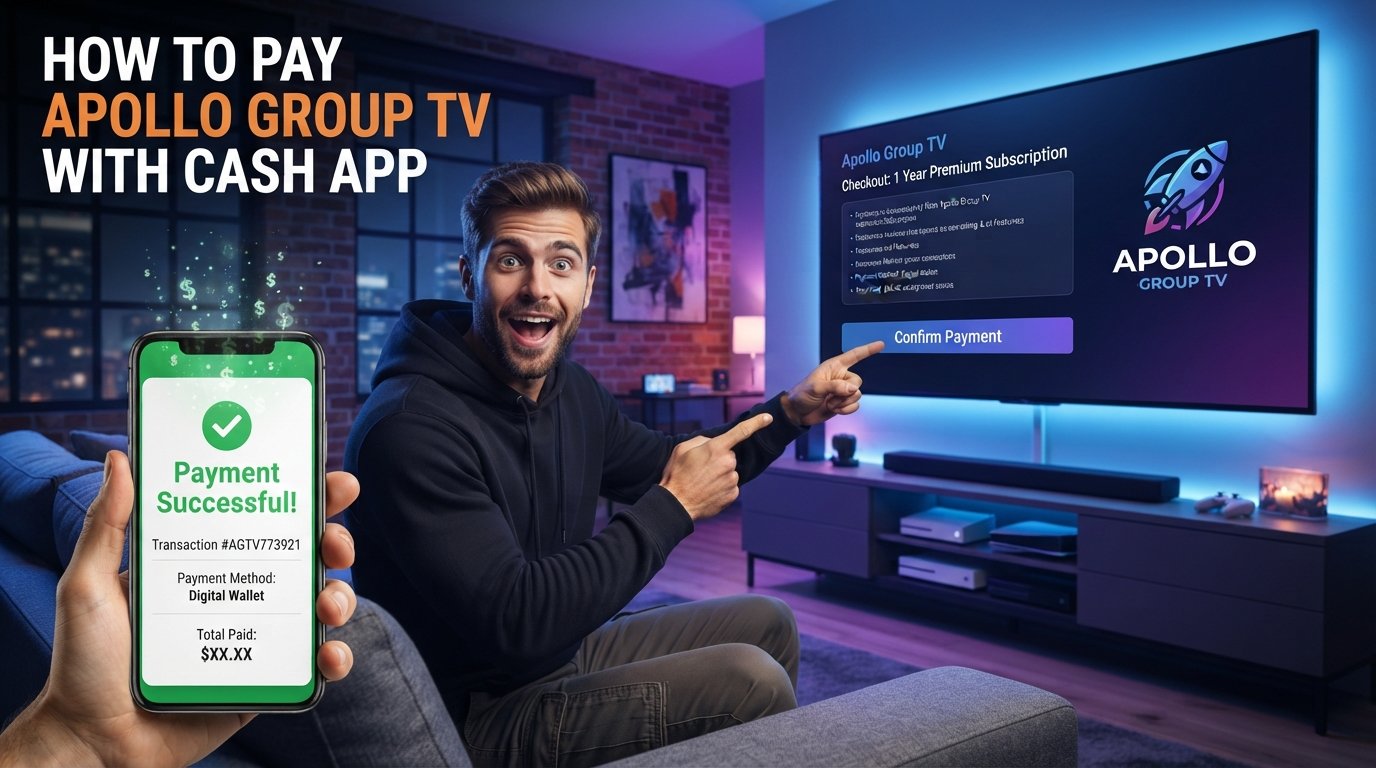
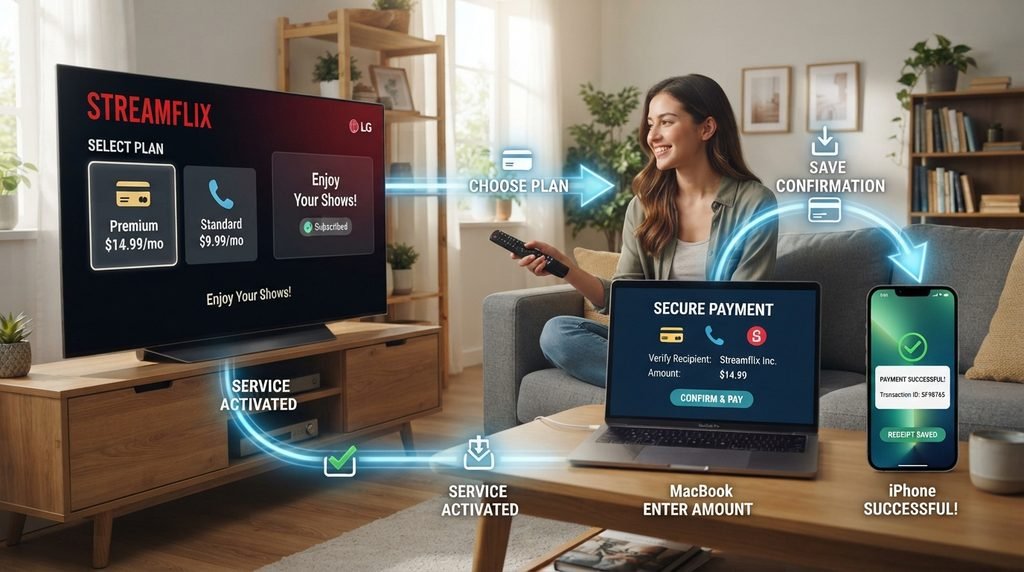
The basic process for how to pay apollo group tv with cash app is simple: review the current Apollo Group TV pricing and subscription options, choose the plan you want, then contact support through WhatsApp and ask whether Cash App is currently available for that order. If it is, request the exact recipient information and amount, open Cash App, verify the recipient character by character, send only the confirmed amount, save the payment record, and return to the same support conversation so the transaction can be matched with your subscription.
Before Paying: Confirm the Order First
The first part of how to pay apollo group tv with cash app happens before Cash App is even opened. A careful how to pay apollo group tv with cash app process starts with the order itself, because every later payment detail depends on the plan you chose. Decide exactly which subscription you want and make sure you understand the plan duration and price. Sending money before the order is clear creates avoidable confusion because support still has to determine which plan the payment belongs to. Review the pricing page, choose the option that fits your usage, and keep the plan name and amount in front of you while you move to the payment stage.
If you are a new customer, a shorter plan may give you more flexibility while you decide whether the service suits your setup. If you already use the service and know what you want, a longer plan may be more convenient. The important thing is that how to pay apollo group tv with cash app should begin with a specific order, not with a random transfer and a message afterward asking what can be activated for that amount.
Before You Open Cash App
What You Should Confirm
Why It Matters
Subscription
Exact plan and duration
Support needs to know what the payment is for
Price
Exact amount due
Prevents underpayment or accidental overpayment
Payment method
Cash App is currently accepted
Available methods can change
Recipient
Current $Cashtag or other identifier
Old payment details may no longer be correct
Support route
Same source connected with your order
Reduces the risk of paying an unrelated account
Confirm the Exact Amount Before You Send Anything
When following how to pay apollo group tv with cash app, do not rely on memory or an old screenshot for the price. Compare the amount shown for the plan with the amount support confirms for your order. If those figures do not match, ask why before sending the transaction. This keeps how to pay apollo group tv with cash app tied to a confirmed price instead of an assumption. A payment is easier to correct before it happens than after the money has moved.
Write down the plan duration and exact amount so you do not need to switch back and forth between several tabs while using Cash App. Small mistakes are more likely when a person is rushing, and a misplaced digit can change the transaction dramatically. Verification is part of the payment process, not an optional extra.
Why the Cash App Recipient Must Be Verified Every Time
The most important part of how to pay apollo group tv with cash app is verifying who receives the money. Do not assume that a recipient used for a previous purchase is still correct for a renewal. Payment accounts can change, and old forum posts, YouTube comments, Reddit discussions, screenshots, or messages from months ago should not be treated as current payment instructions.
Use the support conversation connected with the website where you are buying. That verification step is central to how to pay apollo group tv with cash app without relying on outdated or unrelated payment details. Ask whether Cash App is available and request the exact current recipient information. Compare the $Cashtag, phone number, email address, or other identifier you are given with what appears inside Cash App. Do not rely only on a profile image or display name because those are not as precise as the actual recipient identifier.
Check Every Character Before You Press Send
A one-character difference can send money to a completely different account. That is why a careful how to pay apollo group tv with cash app process includes checking the recipient character by character. Compare the identifier while the support message is still open. If anything looks different, stop and ask for confirmation rather than assuming it is close enough. That pause is one of the safest habits in how to pay apollo group tv with cash app.
This is also important if someone contacts you unexpectedly and says your subscription needs immediate renewal. Do not follow unsolicited payment instructions simply because the message sounds urgent. Return to the support route you already know and verify the request independently.
The Actual Cash App Payment Process
Once the order, amount, payment method, and recipient are confirmed, the actual transaction is straightforward. This is the point where how to pay apollo group tv with cash app becomes a normal Cash App transfer rather than a subscription decision. Open Cash App on your own device and make sure you are signed into the correct account. Check that your balance or connected funding method can cover the payment, then enter the exact amount associated with the subscription. The technical part of how to pay apollo group tv with cash app is easy; the valuable part is slowing down long enough to verify everything before the final approval.
Cash App may show additional prompts, fees, funding information, or security checks depending on the account and transaction. Read whatever appears instead of tapping through it automatically. The subscription seller does not control every restriction or warning attached to your Cash App account. Before the final Send action, compare the recipient and amount again with the information from support.
What Should You Put in the Cash App Note?
Follow the payment instructions supplied with the order. If support asks for an order reference or another specific identifier, use only that requested information. Do not place IPTV passwords, email passwords, banking information, card details, or unrelated personal data in the note. Learning how to pay apollo group tv with cash app safely means sharing only the information necessary to identify the payment.
If no note is requested, do not invent one just because the field is available. Your transaction record and the confirmation you send through the support conversation may already be enough. The payment note should never become a place where sensitive account credentials are exposed unnecessarily. Keeping notes minimal is part of how to pay apollo group tv with cash app safely.
What to Save After You Send the Payment
After Cash App confirms that the payment was sent, keep the transaction record. Saving proof should be treated as part of how to pay apollo group tv with cash app, not as something optional after the transaction. Saving proof is one of the most useful parts of how to pay apollo group tv with cash app because it gives you something concrete to reference if activation is delayed or the order needs to be matched manually. Keep the record at least until the subscription is active and working.
A screenshot can be helpful, but review it before sending it to anyone. Crop out unrelated transactions, personal account balances, full financial details, or other information that support does not need. The useful parts of a payment confirmation are usually the transaction status, amount, recipient, date or time, and any reference information needed to identify the payment.
Payment Detail
Usually Useful?
What to Avoid Sharing
Transaction status
Yes
Nothing extra required
Amount
Yes
Unrelated account balances
Recipient
Yes
Other contacts or transactions
Payment time/date
Often
Unrelated financial history
Transaction reference
If requested
Bank login details
Cash App password
No
Never share it
One-time security code
No
Never send it to a seller
What Happens Between Payment and Activation
The final stage of how to pay apollo group tv with cash app is connecting the completed transaction to the subscription order. Return to the same support conversation that gave you the payment details and provide whatever confirmation was requested. State which plan you purchased if the conversation contains several options. This helps the transaction get matched to the correct order instead of leaving support to guess which subscription should be activated.
After the payment is identified, wait for the account or activation information associated with the order. Save those details securely when they arrive. Payment does not automatically install the service on your television, so activation and device setup should be treated as separate stages. Once the account is ready, use the Apollo Group TV installation guide for your device rather than mixing payment troubleshooting with installation troubleshooting.
Payment Success Does Not Mean the App Is Already Configured
A completed Cash App transaction only handles the payment side of how to pay apollo group tv with cash app. Your streaming device still needs the correct application and account details. If payment is confirmed but the player is not installed yet, move to the installation guide after activation instead of expecting the transaction itself to configure Firestick, Android TV, Smart TV, or another device automatically.
How Renewals Are Different From a First Purchase
The payment process for a renewal is similar, but there is one extra check: confirm that the recipient information is still current. That extra verification is what makes how to pay apollo group tv with cash app for a renewal safer than simply repeating an old transaction. A previous successful payment does not guarantee the same Cash App destination should be used again. When you need to renew, first check the expiration date, decide which subscription duration you want next, and ask the same support route for the current renewal amount and payment instructions.
Then follow the normal how to pay apollo group tv with cash app process again: verify the exact amount, verify the recipient, send the payment, save the confirmation, and return the requested transaction details to support. Keeping your old order information can help identify the account, but do not send unrelated passwords or private financial information simply because you have purchased before.
What to Do If Cash App Says the Payment Failed
If Cash App shows that the transaction failed, stop the subscription payment process and investigate the Cash App side first. A failed transfer means the how to pay apollo group tv with cash app process has not been completed yet. Do not tell support that the order was paid unless the app actually confirms a completed transfer. A failed payment can result from the Cash App account, funding method, available balance, transaction limits, or the platform’s own security systems, and those issues are separate from Apollo Group TV.
When troubleshooting how to pay apollo group tv with cash app, check the Cash App activity screen to see whether a completed transaction exists. If it does not, follow the information shown by Cash App or use Cash App’s official support route when the problem concerns your financial account. Only return to the subscription activation process once the transfer is actually shown as completed.
What to Do If You Paid the Wrong Cash App Account
Sending money to the wrong recipient is exactly why verification matters so much in how to pay apollo group tv with cash app. The safest how to pay apollo group tv with cash app workflow assumes recipient verification is mandatory every single time. If you think you entered the wrong $Cashtag or recipient, do not immediately send a second payment. Open the transaction details, confirm where the money went, and use Cash App’s official support options to determine what can be done about the transaction.
The intended subscription seller may have no ability to retrieve money that was sent to an unrelated Cash App account. You should also tell the Apollo support team what happened so the order status is clear, but do not assume they received the money if the transaction went somewhere else. Prevention is much easier than correction, which is why the recipient should be checked before every payment.
What to Do If Activation Is Delayed
Activation may not always happen at exactly the same speed for every order. That is why how to pay apollo group tv with cash app includes keeping the transaction record until activation is complete. If payment is completed and the confirmation has been sent, return to the existing conversation if activation seems delayed. Ask whether the transaction has been located and provide the payment confirmation again if necessary. A correct how to pay apollo group tv with cash app process does not include sending another payment just because the first activation is not immediate.
Duplicate payments create another financial problem without proving that the original transaction failed. Keep the completed payment record and give support enough information to identify it. If the transaction status itself is unclear, verify that inside Cash App before assuming the seller has not received anything.
Cash App Safety Rules Worth Following
Payment safety should be part of how to pay apollo group tv with cash app from the beginning rather than something you think about only after a problem appears. A safe how to pay apollo group tv with cash app process is based on verification rather than speed. Start from a support route you already trust, confirm that Cash App is currently accepted for the order, request the payment details directly, and verify the recipient and amount before sending. Keep your transaction record and use the same support conversation after payment so the order history stays clear.
Never share your Cash App password, online-banking password, card PIN, or one-time authentication code with someone who says they need it to activate a streaming subscription. Those credentials are not ordinary proof of payment. If a support request seems unrelated to the subscription or transaction, ask why the information is needed before sending it.
Ten Simple Rules
Choose the subscription before sending money.
Confirm that Cash App is currently available.
Request the recipient through the known support route.
Verify the recipient character by character.
Confirm the exact amount before pressing Send.
Do not share your Cash App password.
Do not share banking passwords or PINs.
Never send one-time security codes to a seller.
Save the transaction confirmation.
Return to the same support conversation for activation.
Following those rules makes how to pay apollo group tv with cash app much safer than finding a payment account in a random comment and sending money without verification.
Payment Red Flags That Should Make You Stop
A reliable how to pay apollo group tv with cash app process should never depend on pressure. Be cautious if someone tells you that you must send money immediately, asks you to ignore the price shown on the site without explanation, changes the recipient several times, or asks for private financial credentials. Urgency can make people skip the exact checks that prevent mistakes.
Other warning signs include a $Cashtag that does not match the one you just received from support, requests for one-time verification codes, pressure to make a second payment before the first one has been checked, or instructions to give someone remote access to a banking application. If anything looks inconsistent, stop. Return to the known support source and verify the instructions before completing the transaction.
Situation
Safe Response
Unexpected renewal message
Verify through your existing support route
Recipient suddenly changes
Ask for confirmation before paying
Asked for Cash App password
Do not provide it
Asked for a one-time code
Do not provide it
Asked to pay twice
Check the original transaction first
Amount differs from expected price
Ask why before sending
Payment details came from a random comment
Ignore them and contact known support
What to Do After the Subscription Is Activated
Once the payment is matched and the subscription is activated, how to pay apollo group tv with cash app is finished. At that point, the how to pay apollo group tv with cash app task should not be mixed with device installation or playback troubleshooting. The next job is device setup. Use the installation instructions for your exact platform and keep the account credentials private. The payment method does not determine whether you use Firestick, Android TV, Smart TV, a phone, tablet, or another compatible device.
After installation, review the available Apollo Group TV channels and test several categories so you know the account is loading normally. Keep your payment confirmation and purchase date somewhere safe, especially for longer subscriptions, because those records can make a later renewal or billing question easier to resolve.
Common Cash App Payment Mistakes
Most mistakes in how to pay apollo group tv with cash app happen because users rush or combine several stages. Keeping each how to pay apollo group tv with cash app step separate makes it easier to notice a wrong amount or recipient before money is sent. Sending money before choosing the plan, reusing an old recipient without confirmation, typing the wrong amount, trusting a similar-looking $Cashtag, forgetting to save proof, or making a second payment while the first is still being checked can all create avoidable delays.
Another common mistake is treating the transaction note like a place to send account credentials. It is not. Use only the information support specifically requests for identifying the order. The safest payment flow is boring on purpose: confirm the order, confirm the recipient, confirm the amount, send once, save the record, and verify activation.
Frequently Asked Questions About How to Pay Apollo Group TV With Cash App
How do I pay Apollo Group TV with Cash App?
To follow how to pay apollo group tv with cash app, choose the subscription first, confirm that Cash App is available, request the current recipient, verify the amount and recipient, send the payment, save the transaction confirmation, and provide the requested information back to support so the order can be activated.
Where do I find the Apollo Group TV Cash App $Cashtag?
Do not rely on an old article, forum comment, social post, or screenshot. Request the current payment information directly from the known support route. Recipient verification is one of the most important parts of how to pay apollo group tv with cash app because a similar-looking $Cashtag can belong to a different account.
Should I send a screenshot after paying?
Follow the instructions given for the order. A screenshot or transaction record can help support identify the payment, but crop unrelated financial information first. The useful proof in how to pay apollo group tv with cash app is the information needed to match the transaction, not access to your entire Cash App history.
Should I send another payment if activation is delayed?
No. Contact the same support route and ask them to verify the original transaction first. Keep the completed Cash App record available. Sending a duplicate payment is not part of how to pay apollo group tv with cash app correctly and can turn one delayed order into two financial problems.
Does paying through Cash App automatically install Apollo Group TV?
No. Payment, account activation, and device installation are separate stages. After the account is activated, follow the installation guide for your hardware. The how to pay apollo group tv with cash app process ends when the payment is confirmed and connected to the subscription.
Final Thoughts on How to Pay Apollo Group TV With Cash App
Learning how to pay apollo group tv with cash app is mostly about verification. Choose the subscription first, confirm that Cash App is available for the order, request the current payment information through the same support route, and compare both the amount and recipient before sending. The transfer itself takes only a moment; the checks around it are what prevent the expensive mistakes. That is the core of how to pay apollo group tv with cash app responsibly.
After the transaction is completed, save the payment record and return to the same support conversation so the order can be identified. Do not send another payment simply because activation is slower than expected, and never provide banking passwords, Cash App credentials, PINs, or one-time codes to someone claiming they need them for activation. A safe how to pay apollo group tv with cash app process keeps payment proof useful while keeping unrelated financial information private.
Once the subscription is activated, move on to installation and testing rather than continuing to treat payment and setup as one task. Use the installation guide for the device, review the channel list, and keep your purchase record for future renewal questions. That is the cleanest way to handle how to pay apollo group tv with cash app from the first plan decision through final activation.