How to Pay Apollo Group TV With Credit Card: 7 Safe Steps
Published October 16, 2026Updated October 16, 2026By Robert M.
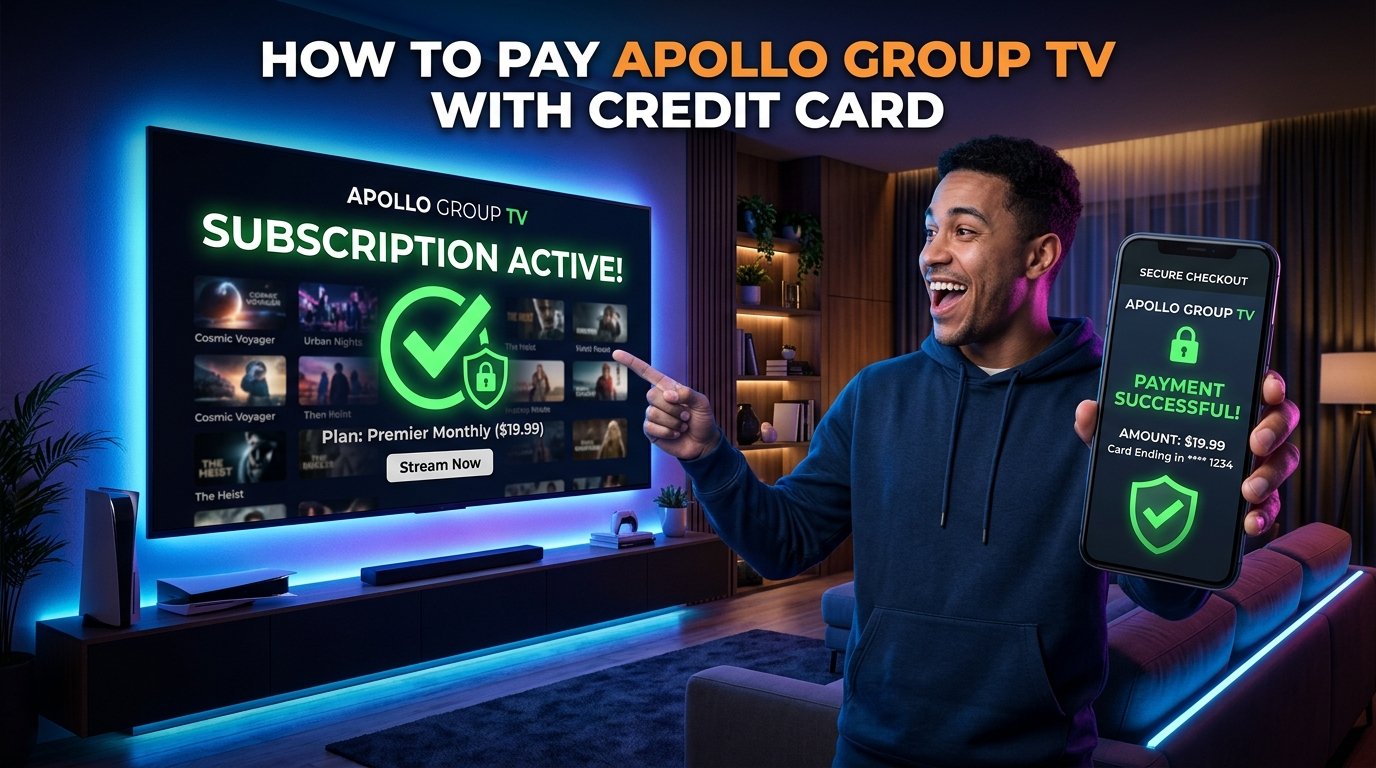
If you are searching how to pay apollo group tv with credit card, the most important thing is not memorizing one old checkout link. The safer approach is to understand the payment lifecycle: choose the correct plan, confirm the amount and currency, use the checkout route tied to your current order, complete the card issuer’s verification, save the transaction record, and then confirm that the subscription becomes active. Payment methods and processors can change over time, so a link that worked for somebody else months ago should not automatically be treated as the right place to enter card details today.
This guide explains how to pay apollo group tv with credit card without turning the article into another generic seven-step checklist. Instead, it follows the transaction from start to finish and shows what each payment status means. That matters because a declined transaction, a pending authorization, a completed charge with no activation, and a duplicate payment are four different problems. The correct next action depends on which state you are actually in. It also explains how card payment relates to Firestick setup, renewals, channel access, and support so you do not mix payment credentials with streaming credentials.
Table of Contents
How to Pay Apollo Group TV With Credit Card: The Payment Map
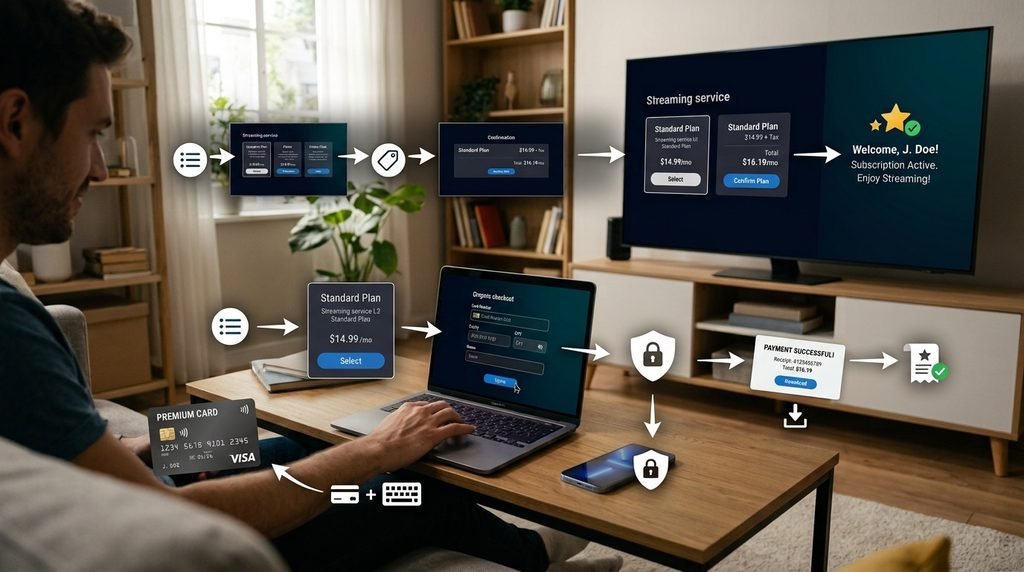
The easiest way to understand how to pay apollo group tv with credit card is to think of the process as five checkpoints rather than one button. First, you confirm what you are buying. Second, you verify the checkout and total. Third, the card processor and your bank authorize the payment. Fourth, you keep evidence that the transaction succeeded. Fifth, the subscription itself is activated or renewed. If something fails, identifying the checkpoint tells you where to investigate instead of paying again at random.
Checkpoint
What You Confirm
If Something Looks Wrong
Plan
Duration and subscription choice
Return to the current pricing page
Checkout
Amount, currency, and order source
Stop before entering card details
Authorization
Bank or card issuer approves payment
Check issuer verification or decline reason
Confirmation
Receipt, transaction reference, payment status
Do not submit a second payment yet
Activation
Streaming account becomes active
Contact the support route tied to the order
This payment map is useful because how to pay apollo group tv with credit card is not only about entering numbers into a form. In practice, how to pay apollo group tv with credit card is really a verification process from plan selection through activation. The real goal is to complete one verified transaction and connect that transaction to the correct subscription. If the card is charged but the service is not active, the answer is usually not to press Pay again. If the bank declines the card, changing IPTV apps will not help. Keeping these systems separate makes the whole process easier to understand.
How to Pay Apollo Group TV With Credit Card: Confirm the Purchase First
Before thinking about how to pay apollo group tv with credit card, start with the subscription itself. Open the current Apollo Group TV pricing page and identify the plan you actually intend to buy. Note the duration and the expected total before moving into checkout. This gives you a reference point when the payment page loads and helps you catch a wrong plan, outdated link, or unexpected amount before money leaves the card. That is the first practical checkpoint in how to pay apollo group tv with credit card.
Do not choose the longest plan only because the effective monthly cost looks lower. A shorter subscription can make more sense for a new user who is still testing the service on Firestick, Smart TV, or another device. A longer subscription may be more convenient for an existing customer who already knows the channel lineup, app setup, and home connection work well. The correct plan is the one that matches your confidence level, not the one with the biggest discount headline.
Check the Price and Currency Together
One part of how to pay apollo group tv with credit card that is easy to overlook is the currency. Compare the checkout total with the amount shown for the plan you selected and verify that the currency makes sense. If the card was issued in another currency, your own bank may convert the transaction and may apply a foreign-transaction or conversion fee depending on the card agreement. That does not automatically mean the checkout is wrong, but it does mean the final amount on your statement can differ from the displayed subscription price.
If the amount at checkout is not what you expected, do not assume the difference will be corrected later. Stop and identify why the numbers changed. The reason could be a different plan, an old promotion, a different duration, another option, or an outdated checkout route. When learning how to pay apollo group tv with credit card, catching the mismatch before authorization is much easier than trying to correct it after payment.
How to Pay Apollo Group TV With Credit Card: Verify the Checkout
The checkout page deserves its own attention because financial information is more sensitive than normal streaming login details. If you are working out how to pay apollo group tv with credit card, do not type card information into the first Apollo-looking page you find through a search result, old message, video description, or forum post. Use the payment route associated with the current website or support conversation for your order, then inspect the page before entering anything.
Confirm the selected subscription, amount, currency, and order source. Check that the browser is using an HTTPS connection, but remember that HTTPS only encrypts the connection; it does not prove by itself that every page using HTTPS is the correct seller. The source of the link still matters when deciding how to pay apollo group tv with credit card. If you are not sure whether card payment is currently offered for your order, use the Apollo Group TV WhatsApp support route and ask before entering financial details.
What a Normal Card Checkout May Ask For
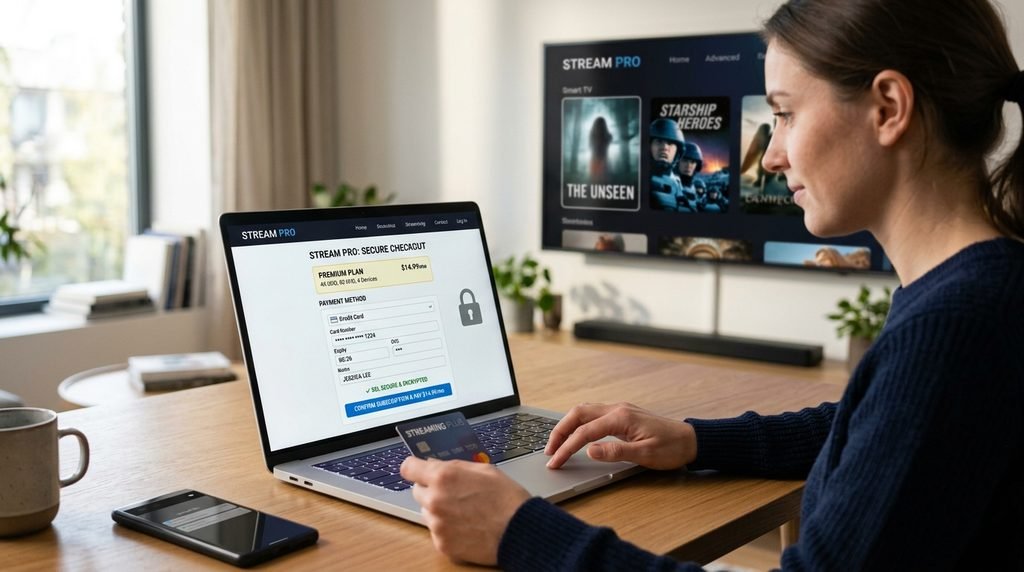
When you know you are on the correct checkout, how to pay apollo group tv with credit card becomes familiar. A standard card form may request the cardholder name, card number, expiration date, security code, billing address, and an email address for order information or receipts. Those fields are part of processing or verifying the transaction, and recognizing them helps clarify how to pay apollo group tv with credit card without oversharing financial information. Enter them directly into the checkout form rather than sending them through ordinary chat messages.
Information
Typical Purpose
Where It Should Be Entered
Cardholder name
Matches the payment card
Checkout form
Card number
Routes the card transaction
Checkout form
Expiration date
Validates the card
Checkout form
Security code
Helps verify card-not-present payment
Checkout form
Billing address
May be used by payment verification
Checkout form if requested
Email
May receive receipt or order details
Checkout form if requested
There are also things you should not provide to a streaming seller just because you want to know how to pay apollo group tv with credit card. Do not send a photograph of both sides of the physical card as a substitute for checkout. Do not provide your online-banking password, card-account password, or remote access to your banking app. Those credentials are not normal requirements for a streaming subscription purchase.
How to Pay Apollo Group TV With Credit Card Through Bank Verification
After the card details are submitted, your card issuer may require another verification step. Depending on the bank, you might receive an authentication screen, banking-app prompt, temporary security code, or another confirmation request. This is part of the authorization process and should be completed through the bank’s own channel. If you are following how to pay apollo group tv with credit card, keep the bank verification separate from the seller conversation.
Do not send a bank one-time code to somebody in WhatsApp or another support chat because they claim it is needed to complete the purchase. The code is intended to authorize the cardholder with the issuer, which is why how to pay apollo group tv with credit card should never involve forwarding that code to a seller. Once you approve the transaction, allow the checkout page enough time to finish. Repeatedly pressing the payment button while the first attempt is still processing can create multiple authorizations and make the situation much harder to diagnose.
How to Pay Apollo Group TV With Credit Card: Understand the Payment State
Most payment problems become easier once you identify the transaction state. The question how to pay apollo group tv with credit card changes after you press Pay because you are no longer choosing a payment method; you are diagnosing an authorization. A card can be declined, show as pending, complete successfully, or complete while the streaming account remains inactive. Those outcomes need different responses.
State 1: The Credit Card Is Declined
If the card is declined, the transaction normally has not completed. Recheck the card number, expiration date, security code, and billing information for obvious mistakes. A card issuer can also block a transaction because of fraud-prevention rules, international-purchase restrictions, spending limits, insufficient available credit, or another account-specific condition. If you cannot pay apollo group tv with credit card after confirming the details, contact the card issuer through its official support route.
The streaming provider cannot override a security decision made by your bank, so how to pay apollo group tv with credit card after an issuer decline starts with the issuer rather than another checkout attempt. Repeating the same failed payment many times is rarely a useful first response. If the bank says the card is available for the transaction and the checkout still fails, then return to the order support route and verify whether card payment is still being accepted through that processor.
State 2: The Charge Is Pending
A pending entry does not necessarily mean the payment is complete. The card issuer may be holding a temporary authorization while the transaction is processed. If you attempted how to pay apollo group tv with credit card and now see a pending charge, first look for an order confirmation and check whether the subscription has activated. Do not immediately submit a second transaction simply because the pending amount appears in the banking app.
If the first authorization later settles after you make another payment, both transactions may end up completing. The better approach is to keep the first attempt identifiable and verify its status. This is why saving the checkout confirmation matters even before the service activates when you are following how to pay apollo group tv with credit card.
State 3: The Card Is Charged but Apollo Is Not Active
This is a different problem from a decline. The card transaction may have succeeded while the subscription activation has not yet been applied or completed. When how to pay apollo group tv with credit card has already resulted in a completed charge, do not treat the situation as if no payment happened. Keep the receipt or transaction reference and contact the support route associated with the order.
Provide enough information to identify the purchase: the date, amount, plan selected, and transaction reference where available. You do not need to send the full card number or security code. The purpose of the support request is to match a completed payment to the correct subscription, not to expose more financial information. That distinction is central to how to pay apollo group tv with credit card after a successful charge.
State 4: You May Have Paid Twice
Duplicate payments often begin with uncertainty. The first checkout appears slow, the user presses the button again, or a pending charge is mistaken for failure. If you think how to pay apollo group tv with credit card resulted in two payments, stop further attempts and collect the references for both transactions. Check whether both are actually completed or whether one remains pending before assuming two final charges exist.
If both complete, contact the order support route with the transaction details needed to identify them. Keep screenshots focused on the relevant purchase and hide unrelated balances or financial activity. A clean transaction record makes the issue easier to explain and reduces the temptation to share unnecessary account information when resolving how to pay apollo group tv with credit card.
Save Proof of Payment Before You Start Streaming Setup
A receipt is useful because card authorization and streaming activation are not the same system. When you successfully finish how to pay apollo group tv with credit card, save the confirmation page, transaction reference, or receipt before closing the checkout. A useful record contains the date, amount, payment status, subscription selected, and reference number where available. It does not need to contain your full card details.
If you later send a screenshot to support, crop it so the relevant transaction can be identified without showing unrelated purchases, full account balances, or other private financial information. This keeps how to pay apollo group tv with credit card traceable without exposing more financial data than necessary. This simple habit makes declined, pending, activation, and duplicate-payment problems much easier to handle because you have a record of what actually happened.
How to Pay Apollo Group TV With Credit Card When You Use Firestick
Many people searching how to pay apollo group tv with credit card are using a Firestick, but the payment and streaming setup should be treated as two separate jobs. You normally do not need to type card details into the IPTV player on the Firestick. The purchase can be completed on a phone, tablet, or computer, and the Firestick can then be used only for the streaming application and subscription credentials.
This separation is helpful for troubleshooting. If the card transaction succeeded but the Firestick login fails, paying again is not the logical solution. First verify that the subscription was activated and that the streaming credentials were entered correctly. If the device has not been configured yet, use the Apollo Group TV installation guide after the payment side is finished.
The card number and the IPTV login serve completely different purposes. That separation is another key part of how to pay apollo group tv with credit card. The card authorizes the purchase, while the streaming username, password, playlist information, or other account credentials connect the player to the service. Keeping those roles separate is a central part of understanding how to pay apollo group tv with credit card without creating unnecessary security or setup problems.
How to Pay Apollo Group TV With Credit Card for a Renewal
Renewing is similar to a first purchase, but how to pay apollo group tv with credit card for renewal should still begin with current information. Check the existing subscription status and decide which duration you want next. Then verify the latest pricing and payment route rather than automatically reopening an old checkout link from the previous purchase. Processors, prices, and accepted payment methods can change.
After the renewal payment, keep the new transaction confirmation until the account reflects the extended subscription period. If the card shows a successful charge while the previous expiration date remains unchanged, investigate that transaction before paying again. The payment receipt is the bridge between the bank side and the subscription side of how to pay apollo group tv with credit card for a renewal.
Credit Card, Debit Card, or Cash App: What Actually Changes?
People researching how to pay apollo group tv with credit card often compare cards with debit cards or direct-transfer methods such as Cash App. The main difference is not the streaming service; it is how the money moves and what needs to be verified. A credit card normally uses a credit line, while a debit card draws more directly from funds in a bank account. Whether either card works depends on the processor and card network being accepted at checkout.
Direct-transfer methods can work differently because the buyer may need to confirm the recipient rather than simply enter card details into a checkout processor. That makes recipient verification especially important. Card dispute rights, debit protections, fees, and transfer rules vary by bank or payment platform, so use a method whose terms you understand. The article does not establish one universal payment option as permanently available, which is why current verification remains part of how to pay apollo group tv with credit card safely.
Payment Type
Main Thing to Verify
Record to Keep
Credit card
Checkout, amount, card authorization
Receipt + card transaction reference
Debit card
Processor acceptance and bank authorization
Receipt + bank transaction record
Direct-transfer method
Correct recipient and amount
Transfer confirmation
When Not to Continue With a Card Payment
A useful guide to how to pay apollo group tv with credit card also needs to explain when to stop. If the checkout amount does not match the plan, the page came from an unrelated account, or somebody is asking for information that has nothing to do with normal card authorization, do not push through because you are in a hurry to activate the service. Clarify the issue first.
Do not send photos of both sides of the physical credit card.
Do not provide your banking password or card-account password.
Do not share a bank one-time verification code in a support chat.
Do not allow remote access to your banking application.
Do not submit a second payment before checking a pending first attempt.
Do not ignore a checkout total or currency that differs from what you expected.
These are not complicated rules, but they are an important part of how to pay apollo group tv with credit card because the payment step deals with financial credentials rather than ordinary streaming data. A proper card form should handle the sensitive card information through the checkout process instead of asking the customer to expose it through normal messages.
What Happens After You Pay Apollo Group TV With Credit Card?
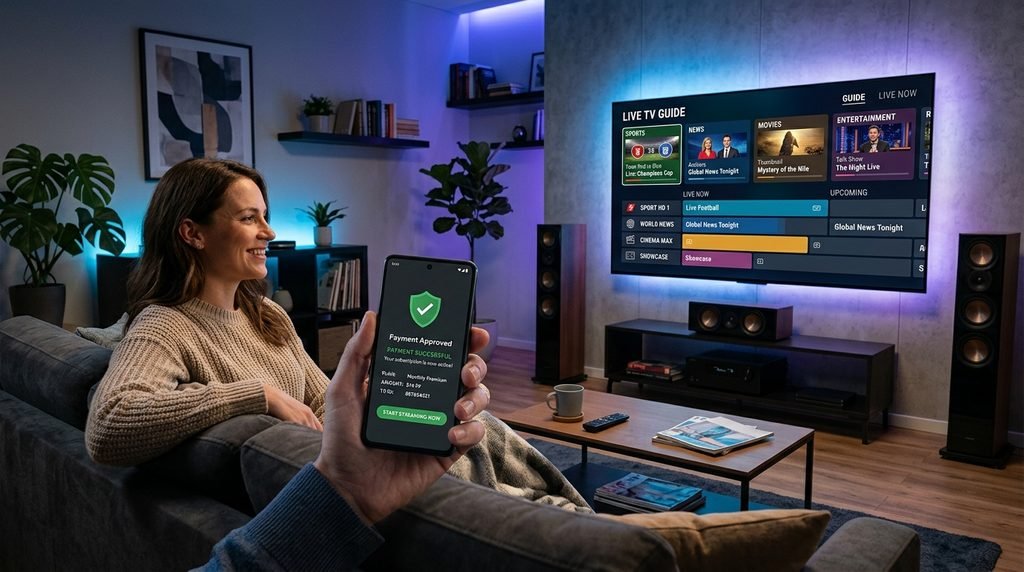
Once the transaction and subscription activation are both complete, the payment phase is over. The next task is device setup and content verification. The streaming application should use the account information associated with the subscription, not the card details used at checkout. If you have not installed the player yet, move to the installation guide and complete the device configuration separately.
After login, review the Apollo Group TV channel list and test the categories that matter to you. Open several live channels, confirm that the app accepts the subscription credentials, and verify that the account behaves as expected. This final check is useful because how to pay apollo group tv with credit card is not complete from the customer’s perspective until the purchased access actually works. It closes the loop between how to pay apollo group tv with credit card and the service activation you actually paid for.
Use This Payment Troubleshooter Before Paying Again
If something goes wrong, identify what the bank and checkout are actually showing before taking another action. The most expensive mistake in how to pay apollo group tv with credit card is treating uncertainty as proof that the first payment failed. One extra minute spent checking the transaction can prevent a duplicate charge and makes support easier if the purchase needs to be traced.
What You See
What It Usually Means
Best Next Check
Checkout says declined
Authorization did not complete
Verify details and contact card issuer if needed
Bank shows pending
Authorization may still be processing
Check order confirmation and activation
Bank shows completed, account inactive
Payment and activation are out of sync
Contact order support with transaction reference
Two completed charges
Possible duplicate payment
Document both and contact support
Payment succeeded, Firestick login fails
Likely activation or streaming-credential issue
Verify account before paying again
Checkout amount differs
Plan, link, or currency may differ
Stop before authorization and verify
Frequently Asked Questions
How to pay Apollo Group TV with credit card?
To follow how to pay apollo group tv with credit card, choose the subscription from the current pricing page, confirm the expected amount and currency, use the checkout route associated with the order, enter card information in the payment form, complete any verification required by the bank, and save the transaction confirmation. Then confirm that the subscription becomes active before attempting another payment.
Can I always pay Apollo Group TV by credit card?
Card availability should be checked at the time of purchase because payment methods and checkout processors can change. If the current order flow offers card payment, follow that checkout. If it is unclear, verify through the known support route before entering financial information. That verification is part of how to pay apollo group tv with credit card responsibly.
What should I do if the payment is pending?
Do not immediately make another payment. A pending transaction may be a temporary authorization that has not finished processing. Check whether the checkout generated an order confirmation and whether the subscription activated. The correct how to pay apollo group tv with credit card workflow avoids duplicate attempts while the original transaction is unresolved.
What if my card was charged but Apollo is not active?
Keep the transaction confirmation and contact the support route associated with the order. Provide the purchase date, amount, plan, and reference where available. Do not send the full card number or security code and do not automatically pay again.
Should I send Apollo support my full credit card number?
No. The payment processor should handle full card information. Support generally needs enough order or transaction information to identify the purchase, not the complete card number, security code, banking password, or bank one-time verification code.
Can I use a debit card instead?
That depends on the checkout processor and accepted card network. A debit card can look similar to a credit card during online checkout, but the funds and protections are handled differently by the card issuer. Verify acceptance and understand your own bank’s terms before using it.
What if the price at checkout is different from the pricing page?
Stop before authorizing the payment and find out why. You may have selected another plan, opened an old checkout, encountered a currency difference, or reached a different order route. A major part of how to pay apollo group tv with credit card is verifying that the total matches what you intend to purchase.
Do I use my credit card details to log into the IPTV app?
No. Card information is used for the payment transaction. The streaming player uses the account credentials supplied for the subscription. If the app asks for the streaming username, password, server information, or another account format, do not substitute your card details.
Final Guide: Complete One Verified Payment, Then Verify Activation
The best answer to how to pay apollo group tv with credit card is not “enter your card and press Pay.” A clean purchase has a beginning and an end. Confirm the subscription first, check the amount and currency, verify the current checkout route, enter card information only into the appropriate payment form, complete the bank’s own authentication, and save the transaction confirmation. Those steps give you a clear record of what you intended to buy and what the card processor actually did.
If the payment does not go perfectly, identify the transaction state before reacting. A decline belongs with card details or the issuer. A pending authorization should be checked before another attempt. A completed charge with no activation belongs with order support, and a suspected duplicate needs both transaction references documented. Treating those outcomes separately is one of the most important parts of how to pay apollo group tv with credit card because it prevents the most common response to uncertainty: paying again.
Once the subscription is active, move away from the payment page. Use the installation guide for device setup, sign into the player with the streaming credentials, and check the channel categories you purchased access to. Keep the card details private and keep the payment confirmation until you know the order is working. That is the cleanest way to handle how to pay apollo group tv with credit card from the first plan choice through final activation.