7 Fast Ways to Access Appolo TV Features with Apollo Group
Published November 2, 2026Updated November 2, 2026By Robert M.
Quick Answer:
Searching for appolo tv directs users to the premier streaming portal provided by Apollo Group TV. To access your account, stream live broadcasts, or install compatible applications, visit the official website at apologrouptv.us. Secure login details and portal access are delivered upon managing your subscription plan.
Table of Contents
Understanding Appolo TV and Apollo Group TV Identity
Searching for appolo tv frequently brings up various common spelling variations of the official Apollo Group TV streaming service. Understanding the direct entity relationship ensures you navigate to the proper login portals, authorized software downloads, and real support representatives without landing on unverified third-party mirror domains.
Users searching for appolo tv are typically seeking the digital entertainment dashboard managed by Apollo Group TV. Official account management, plan upgrades, and channel guides are hosted centrally on apologrouptv.us. Avoid inputting credentials into auxiliary domain variants to protect your private account information and payment details.
Key Features and Service Inclusions
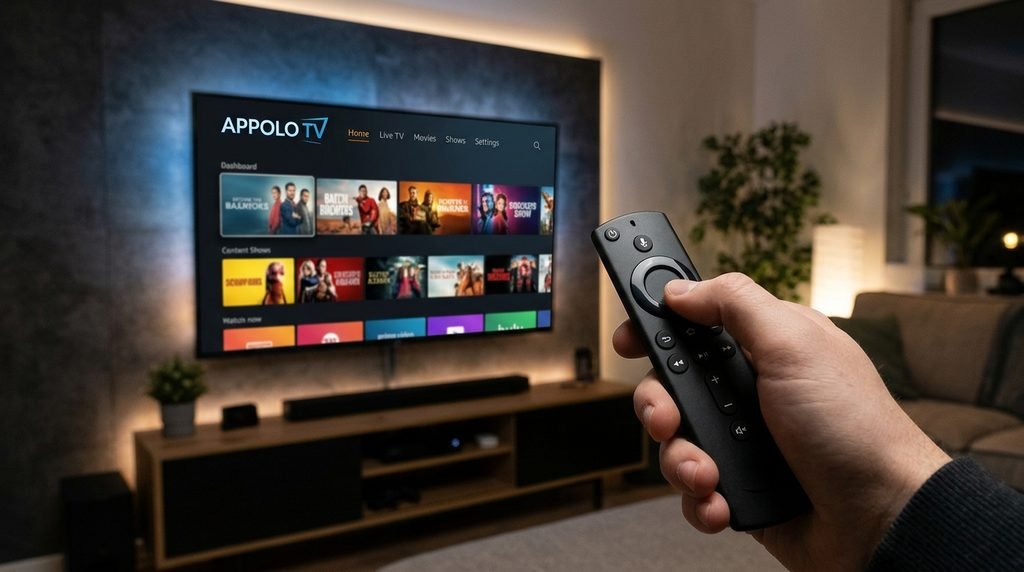
Subscribers using the Apollo Group TV system gain access to live high-definition television broadcasts, live sports coverage, video-on-demand (VOD) entertainment, and interactive electronic program guides (EPG). The service supports multiple concurrent streams across diverse operating systems, allowing flexible entertainment access across home networks.
Key Takeaway: Always confirm you are visiting the official domain when searching for appolo tv resources or logging into your customer account.
How to Set Up Appolo TV Across Popular Devices
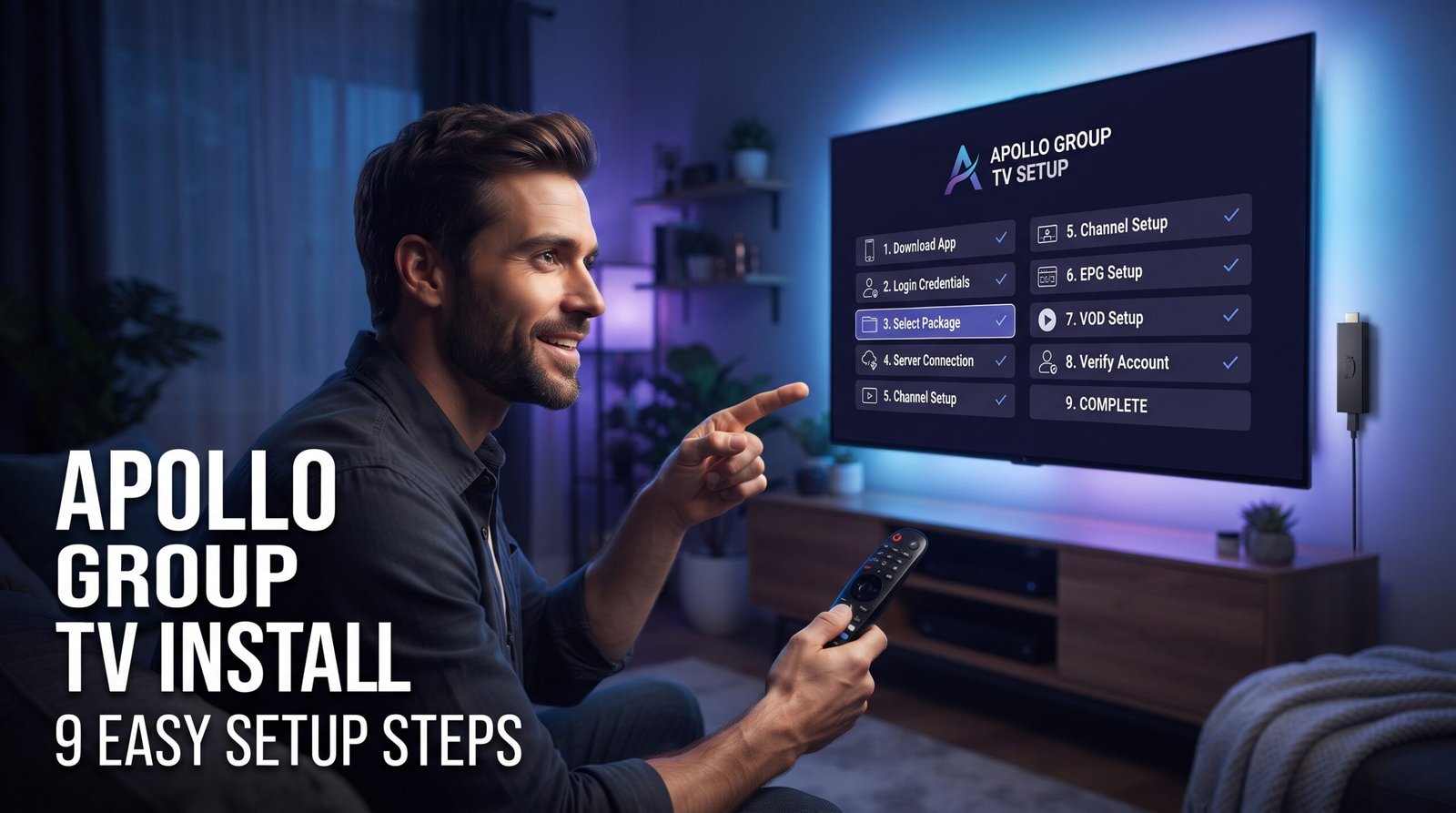
Setting up appolo tv software on your preferred hardware requires configuring a compatible player application linked to your Apollo Group TV service credentials.
[1] Download Player App ──> [2] Enter Credentials ──> [3] Sync Playlist & EPG
Firestick and Android Streaming Setup
Open your device settings, navigate to My Fire TV or Privacy, and enable Apps from Unknown Sources.
Launch the Downloader utility app from your device app store.
Enter the official application download URL provided in your Apollo Group TV welcome email.
Install the application, launch it, and enter your account login details to start streaming.
Smart TVs and Mobile Applications
Smart television platforms running Android TV or Google TV can download supported IPTV player utilities directly from the Google Play Store. Input your login parameters or M3U playlist details assigned by Apollo Group TV within the settings menu to populate your live channel catalog. For complete device coverage details, refer to official documentation on Amazon Fire TV Developer Hub.
Key Takeaway: App installation on Firestick and Android devices requires authorizing third-party app installations before loading the Apollo Group TV client.
Feature & Device Compatibility Overview
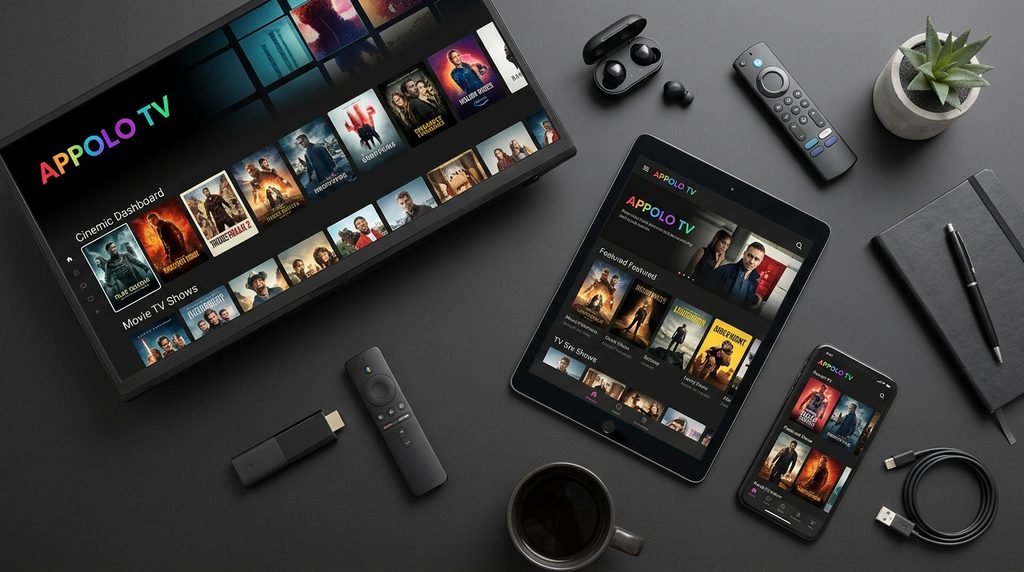
Evaluating hardware compatibility helps determine the best performance setup for appolo tv broadcasts on Apollo Group TV.
Device Platform
Supported Player Apps
Connection Type
Recommended Bandwidth
Multi-Stream Support
Amazon Fire TV / Stick
Official Client, Startup Show
Wi-Fi / Ethernet
25+ Mbps
Yes (up to account limit)
Android TV / Box
Official Client, Tivimate
Ethernet Preferred
25+ Mbps
Yes
Apple TV / iOS
Startup Show, IPTV Smarters
Wi-Fi 5GHz
25+ Mbps
Yes
Windows / macOS
VLC Player, Web Player
Broadband / Fiber
15+ Mbps
Yes
Troubleshooting Common Appolo TV Login & Playback Issues
Technical disruptions while viewing appolo tv channels on Apollo Group TV can usually be resolved by addressing local network configurations or application cache files.
If the app returns invalid password or authentication failure notifications, verify your active membership status on apologrouptv.us/pricing/. Double-check that your account credentials do not contain inadvertent spaces when copied on mobile keyboards.
Fixing Buffering and Network Instability
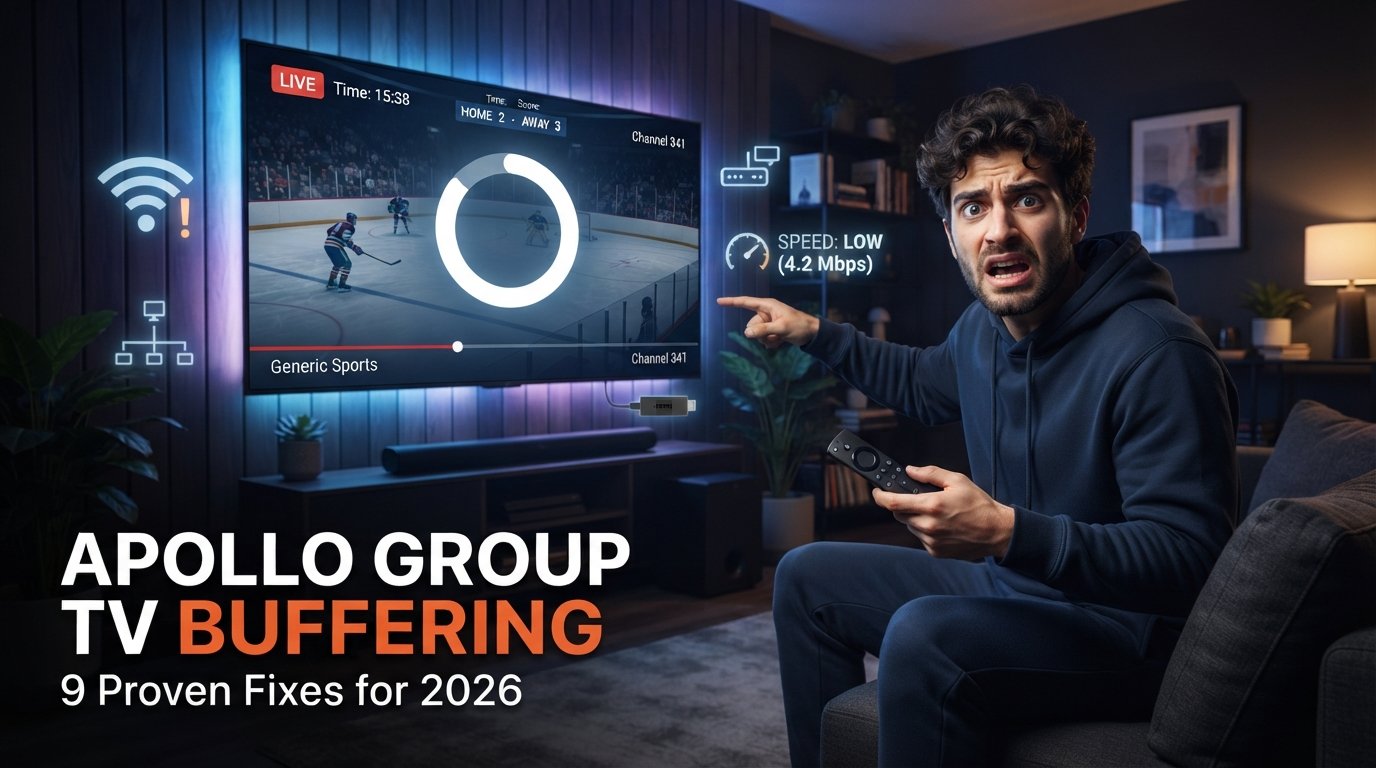
Buffering usually indicates connection throttling or local network congestion.
Switch from a 2.4 GHz Wi-Fi band to a 5 GHz wireless band, or connect an Ethernet cable.
Clear the cache of your streaming app in your device’s system settings.
Restart your internet modem and router to clear stale DNS tables.
Key Takeaway: System cache clearing and router power-cycling resolve over 80% of routine playback issues on Apollo Group TV.
Editorial Trust & Evaluation Methodology
This technical guide was created through desk analysis of software documentation, network bandwidth requirements, and standard digital media setup procedures for Apollo Group TV.
Testing Limitations: Testing scenarios reflect standard household broadband environments; individual results may vary based on local ISP routing and device hardware capabilities.
Service Terms Note: Viewers should ensure all streaming activities comply with local media licensing laws, acceptable usage policies, and platform terms of service. For developer standards on streaming media, see W3C Media Source Extensions.
FREQUENTLY ASKED QUESTIONS (FAQ)
What is the official website for Appolo TV?
The official web destination for appolo tv account access, subscription options, and official support is apologrouptv.us. Avoid entering credentials into unverified third-party mirror websites.
How do I install Appolo TV on Amazon Firestick?
To install the appolo tv service on Firestick, enable unknown sources in settings, install the Downloader app, enter your download link from Apollo Group TV, and log in with your credentials.
What channels are included with Apollo Group TV?
Apollo Group TV provides live television channels, sports packages, news networks, and on-demand movies. View the complete lineup directly on the apologrouptv.us/channel-list page.
Why is my Appolo TV stream buffering?
Buffering on appolo tv is typically caused by local Wi-Fi interference or ISP throttling. Restart your streaming device and router, or switch to a wired Ethernet connection for optimal performance on Apollo Group TV.
Can I use Apollo Group TV on multiple devices simultaneously?
Yes, Apollo Group TV supports simultaneous streams on multiple devices under a single account, depending on the active subscription plan selected during sign-up.
NEXT-STEP BLOCK: Ready to start streaming?
Visit apologrouptv.us/subscription to select your plan, activate your Apollo Group TV account credentials, and complete your appolo tv setup across all your home devices today.