Apollo Group TV Review 2026: Top 5 Features & Complete Setup
Published November 1, 2026Updated November 1, 2026By Robert M.
Quick Answer
ApolloGroup TV is a digital streaming service delivering high-definition live television channels, sports coverage, and video-on-demand content across multiple supported devices. Users can access content via dedicated applications or compatible IPTV player software on Firestick, Android, iOS, and smart TVs. Official subscription packages, channel lineups, and account management details are available at the official site, apologrouptv.us.
Editorial & Trust Methodology
Published / Last Updated: November 2026
Editorial Note: This evaluation synthesizes verified technical specifications, official service documentation, and standard network troubleshooting protocols.
Tested Environment & Research Scope: Technical analysis based on cross-platform application documentation across Fire OS (v7+), Android TV (v10+), and standard network configurations. No direct endorsement of unofficial third-party add-ons or unverified external domains is implied.
Table of Contents
What Is ApolloGroup TV?
Apollo Group TV provides digital television streaming over internet protocol, enabling users to access television programming without traditional cable infrastructure. The service delivers live entertainment channels, regional networks, major sports packages, and on-demand movies.
By operating through high-speed internet connections, Apollo Group TV translates broadcast signals into encrypted digital streams accessible on modern media players. Users manage their subscriptions and view complete lineup options directly through the official Apollo Group TV website.
Understanding the architecture of Apollo Group TV helps users optimize home network settings to maintain smooth playback. The service relies on content delivery networks (CDNs) to reduce latency during peak viewing hours.
Key Takeaway: Apollo Group TV provides internet-based television streaming as a flexible alternative to traditional satellite or cable providers.
Key Features and Compatibility Overview
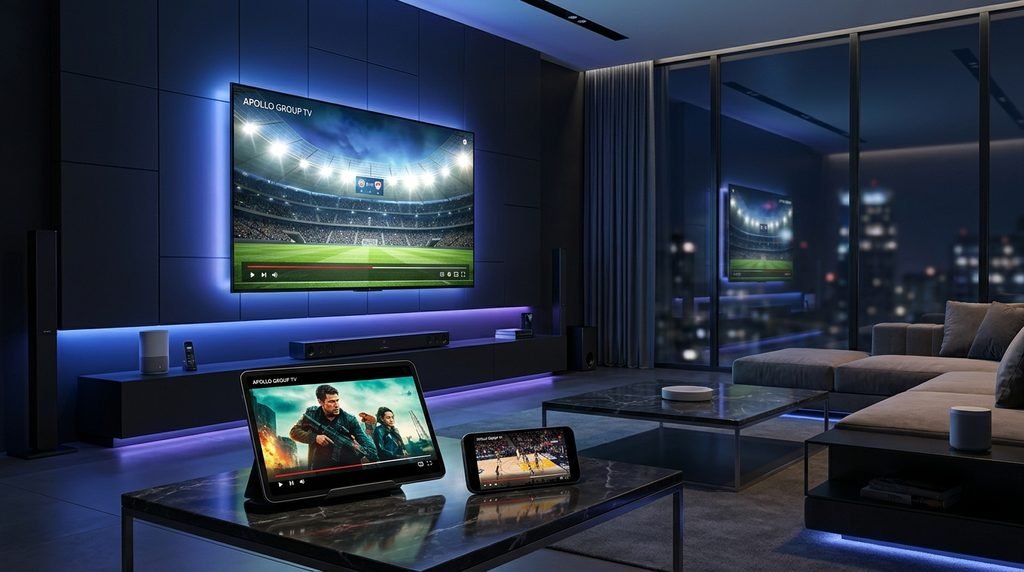
Apollo Group TV supports a wide array of home entertainment hardware and streaming software protocols. The underlying technology allows simultaneous connections on multiple devices within a household depending on the selected plan.
                  +-----------------------------------+
                  |        Apollo Group TV            |
                  +-----------------------------------+
                                    |
         +--------------------------+--------------------------+
         |                                                     |
         v                                                     v
+------------------+                                 +------------------+
|  Primary Apps    |                                 | Third-Party Apps |
| (Startup Show,   |                                 | (TiviMate, IPTV  |
| Apollo Official) |                                 |  Smarters Pro)   |
+------------------+                                 +------------------+
         |                                                     |
         v                                                     v
+------------------+                                 +------------------+
| Direct Login     |                                 | M3U / XC Credentials|
| (Account Auth)   |                                 | (Server Portal)  |
+------------------+                                 +------------------+
Device Support and Application Ecosystem
Apollo Group TV integrates with several popular operating systems, including Android TV, Amazon Fire OS, iOS, and web browsers. Users can choose between official dedicated apps like Startup Show or configure M3U/Xtream Codes playlists within third-party players like TiviMate or IPTV Smarters.
The table below outlines supported platforms and recommended application pairings:
Platform
Recommended App
Protocol / Method
Minimum OS Version
Amazon Firestick / Fire TV
Startup Show / Apollo App
Direct Sideload / APK
Fire OS 6.0+
Android TV / Google TV
TiviMate / Startup Show
M3U / XC / APK
Android 8.0+
Apple iOS / iPadOS
Startup Show
App Store Download
iOS 13.0+
Windows / Mac
Web Player / VLC Player
Web Portal / M3U
Modern Web Browser
Stream Quality and Performance Standards
Streaming feeds delivered by Apollo Group TV standardly broadcast in 720p HD, 1080p Full HD, and select 4K events. Maintaining stable video output requires adequate network bandwidth allocated per active connection.
To minimize buffering on Apollo Group TV, connection speeds should meet or exceed the following recommendations:
Standard Definition (SD): 5 Mbps stable download speed.
High Definition (HD 1080p): 15 to 25 Mbps stable download speed.
Ultra HD / 4K Streams: 30+ Mbps dedicated bandwidth per stream.
Hardware decoding performance varies by streaming box. Refer to the Google TV Developer Documentation for details on media playback standards.
Key Takeaway: Hardware performance and network stability directly govern stream quality across all Apollo Group TV compatible applications.
Apollo Group TV Pricing and Subscription Plans
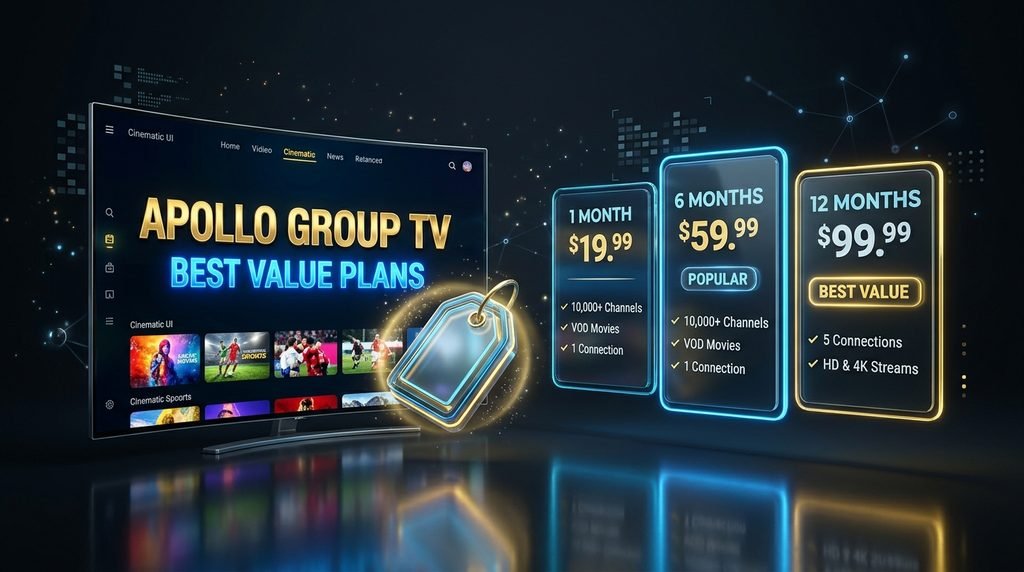
Apollo Group TV offers tiered subscription options based on duration and simultaneous connection limits. Subscriptions typically include full access to the live channel list, catch-up TV features, and on-demand libraries.
Details regarding active pricing tiers and available billing cycles are accessible on the official Apollo Group TV pricing page.
Subscription Tier
Duration
Typical Connection Limit
Primary Features Included
1-Month Plan
30 Days
Up to 5 Connections
Full VOD, Live TV, EPG Guide
3-Month Plan
90 Days
Up to 5 Connections
Full VOD, Live TV, EPG Guide
6-Month Plan
180 Days
Up to 5 Connections
Full VOD, Live TV, Multi-room
12-Month Plan
365 Days
Up to 5 Connections
Full VOD, Premium Sports, 24/7 Support
Users interested in exploring full network availability prior to selecting a tier can consult the official Apollo Group TV channel list.
Key Takeaway: Flexible subscription duration tiers allow users to select plans tailored to single-device or multi-room household configurations.
Step-by-Step Setup Guide for Popular Devices
Setting up Apollo Group TV varies slightly depending on whether the target platform supports direct download links or requires third-party application deployment.
+-----------------------------------------------------------------+
|                    APOLLO GROUP TV SETUP FLOW                   |
+-----------------------------------------------------------------+
| 1. Enable Apps from Unknown Sources in Device Settings          |
| 2. Download App Sideloader (e.g., Downloader by AFTVnews)       |
| 3. Input Apollo App URL / Code to Fetch Installation Package    |
| 4. Install Application & Grant Storage/Network Permissions      |
| 5. Launch App, Enter Credentials or M3U Playlist URL            |
+-----------------------------------------------------------------+
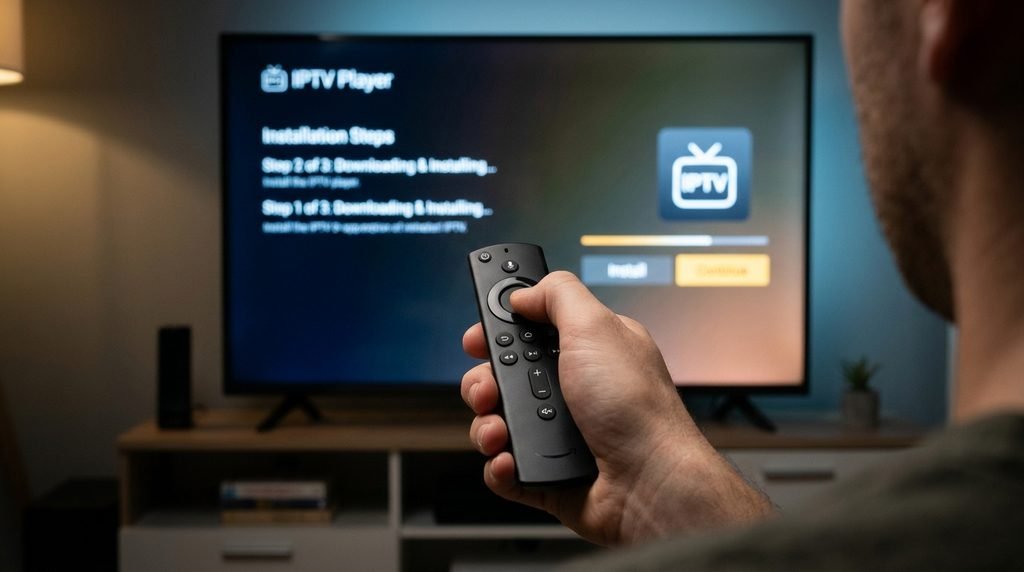
Installing on Amazon Firestick and Fire TV
Navigate to Settings on your Amazon Fire TV home menu.
Select My Fire TV, then open Developer Options. (Note: If Developer Options are hidden, go to About and click the device name seven times).
Turn ON the option to install Apps from Unknown Sources.
Search for and install the Downloader utility app from the Amazon Appstore.
Launch Downloader and type the official application download URL provided during your account registration at apologrouptv.us/subscription.
Click Go, wait for the APK file to download, and select Install.
Open the application, input your active login credentials, and allow the electronic program guide (EPG) to initialize.
Configuring on Android TV and Mobile Devices
Open the Google Play Store on your Android device.
Download Startup Show or an alternative player such as TiviMate.
Launch the installed app and select Add Playlist or Login with Xtream Codes API.
Enter your account credentials or M3U link generated from your Apollo Group TV dashboard.
Save the configuration to load channel categories and VOD libraries.
Key Takeaway: Installing Apollo Group TV on Fire OS requires enabling developer settings, while Android TV systems often support direct app installations from official stores.
Troubleshooting Common Streaming and Connection Issues
Technical hiccups can occur due to local network congestion, outdated app builds, or Internet Service Provider (ISP) throttling.
                               +-----------------------------+
                               | Streaming Issue Detected    |
                               +-----------------------------+
                                              |
                     +------------------------+------------------------+
                     |                                                 |
                     v                                                 v
         [ Constant Buffering ]                                [ Login / EPG Failure ]
                     |                                                 |
         +-----------+-----------+                         +-----------+-----------+
         |                       |                         |                       |
         v                       v                         v                       v
  (Check Speed/Wi-Fi)     (Toggle VPN/DNS)          (Verify Account Status)  (Clear App Cache)
Follow these systematic solutions to address performance issues:
Persistent Buffering or Stuttering:
Run a speed test to ensure downstream bandwidth exceeds 25 Mbps.
Switch from 2.4 GHz Wi-Fi to a 5 GHz Wi-Fi band or use a wired Ethernet adapter.
Clear the application cache via your device’s application management settings.
Electronic Program Guide (EPG) Not Loading:
Force stop the application and restart it.
Clear app data within device settings (Note: You may need to log back in).
Verify system time and date settings on your streaming device match your local time zone.
Authentication or Account Errors:
Re-verify login details entered into the player app.
If your ISP enforces strict traffic management, testing through a secure VPN service can help isolate network routing issues. For details on internet routing privacy, review the Federal Communications Commission Consumer Guides.
Key Takeaway: Systematic troubleshooting—starting with local network health and app cache maintenance—resolves the majority of streaming playback issues.
Service Evaluation and Decision Framework
Choosing an internet television solution requires weighing service features against technical requirements. Use this decision tree to evaluate if Apollo Group TV fits your streaming setup:
                  +----------------------------------------------+
                  |  Are you looking for live TV & VOD over IP?  |
                  +----------------------------------------------+
                                         |
                                         v
                         +-------------------------------+
                         | Do you have 25+ Mbps internet?|
                         +-------------------------------+
                            /                         \
                           /                           \
                        [Yes]                          [No]
                         /                               \
                        v                                 v
+-----------------------------------------------+  +-------------------------------+
| Compatible device available (Firestick/Android)?|  | Upgrade network bandwidth     |
+-----------------------------------------------+  | before using IP TV services.  |
   |                                               +-------------------------------+
   |-- [Yes] --> Setup Apollo Group TV via official portal.
   |-- [No]  --> Consider upgrading hardware to a supported media player.
Apollo Group TV provides a reliable, high-definition streaming framework when deployed over high-speed networks and configured on modern playback hardware.
Frequently Asked Questions (FAQ)
What is Apollo Group TV?
Apollo Group TV is an internet-based streaming service providing access to live television channels, sports broadcasts, and on-demand movies across compatible streaming devices.
Which devices support Apollo Group TV applications?
Apollo Group TV supports Amazon Firestick, Fire TV, Android TV, Google TV, iOS devices, Android mobile devices, and desktop web browsers.
What network speed is recommended for Apollo Group TV?
A stable download speed of at least 15 Mbps is recommended for HD content, while 25 Mbps or higher ensures smooth 1080p and 4K playback.
How many devices can stream Apollo Group TV simultaneously?
Depending on your active subscription plan, Apollo Group TV generally permits up to 5 simultaneous connections per account across multiple home devices.
How do I renew or manage my Apollo Group TV account?
Account renewal, plan modifications, and billing administration can be managed securely by logging into your user account at apologrouptv.us.