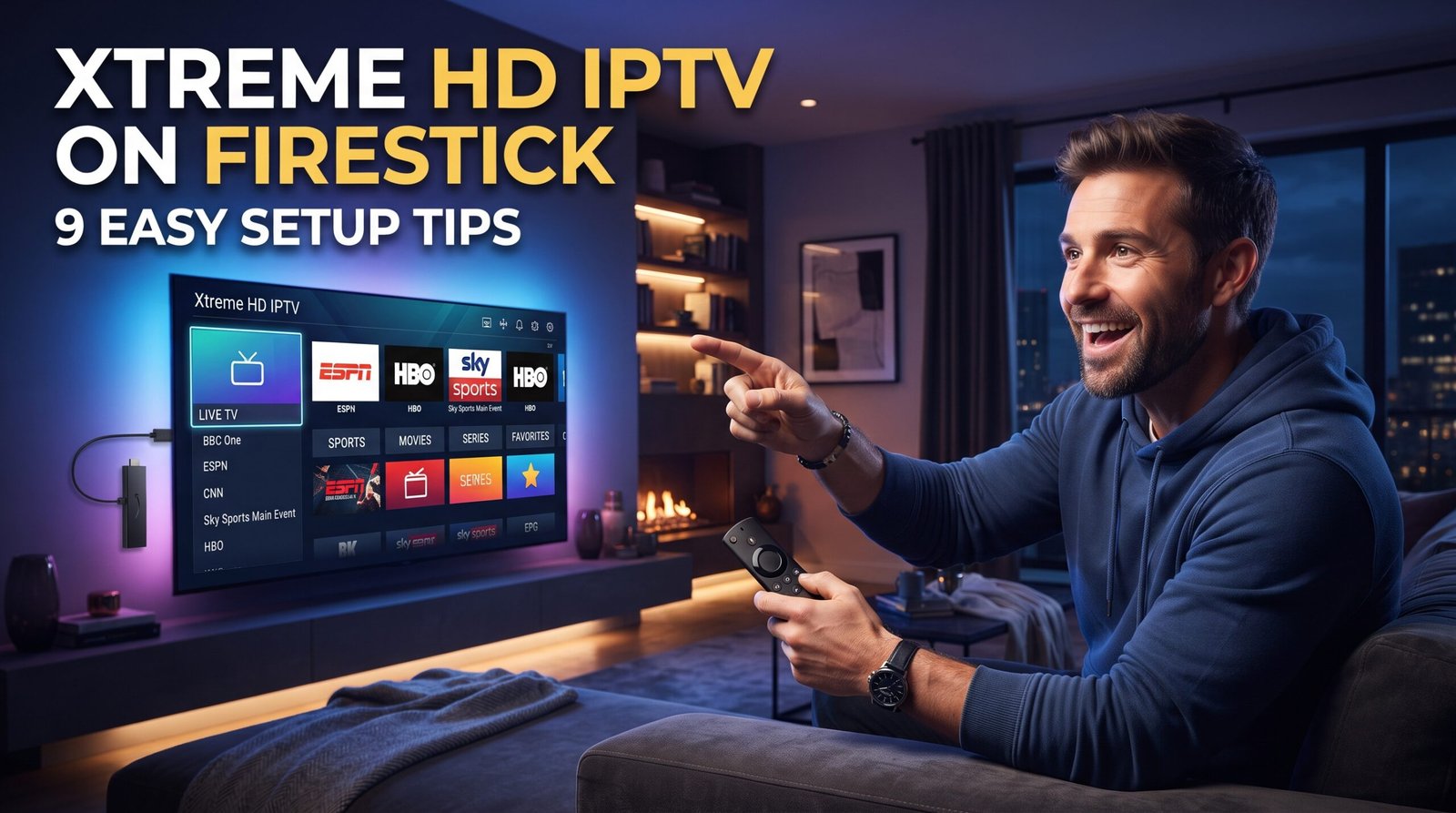
Complete Guide to Apollo TV: Setup, Features, and Stream Optimization
Published October 27, 2026Updated October 27, 2026By Robert M.
Quick Answer: Apollo TV is a television streaming setup that allows users to access live sports, news, and entertainment content via dedicated applications across streaming hardware such as Amazon Firestick, Android TV, and mobile devices. Proper setup requires downloading official media applications and ensuring a stable high-speed internet connection.[cite: 1]
Table of Contents
What is Apollo TV?
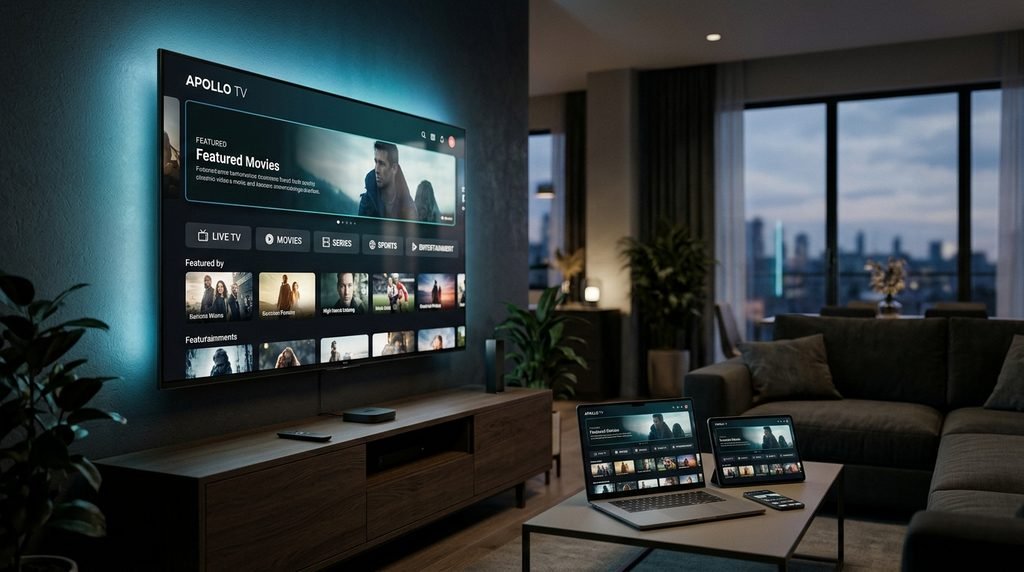
Apollo TV refers to digital television streaming solutions provided by Apollo Group TV, allowing subscribers to access live entertainment, network channels, and video-on-demand content over IP networks. Instead of traditional cable setups, viewers use compatible media players to stream standard high-definition broadcasts directly to smart TVs and portable screens.
Key Features & Streaming Capabilities
Apollo Group TV offers a broad selection of streaming capabilities tailored for cord-cutters seeking flexible viewing options:
Feature Category
Description & Details
Live TV Access
Broad assortment of international news, sports networks, and local programming.
Multi-Device Support
Compatibility with Fire TV devices, Android boxes, iOS, and desktop browsers.
On-Demand Library
Access to movies, television series, and catch-up options.
HD & 4K Quality
Supports adaptive bitrate streaming up to 1080p and 4K UHD depending on connection speeds.
Quick Setup & Device Installation
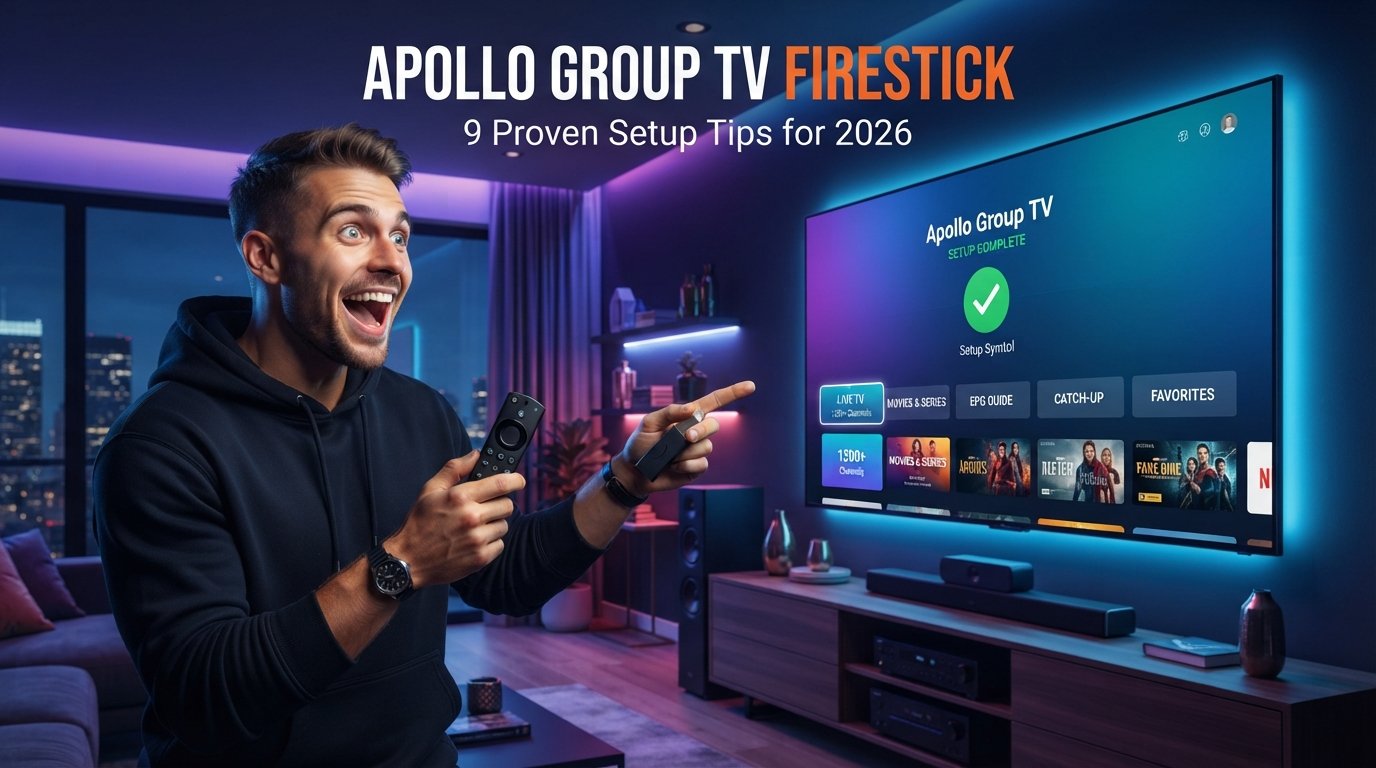
Enable Downloader: On Firestick or Android TV, enable installation from unknown sources within settings.
Install Application: Use a direct application code or official downloader link to download the media app.
Log In: Enter your subscription credentials to access live content.